Apple Magic Mouse (USB-C) vs Logitech MX Master 3S
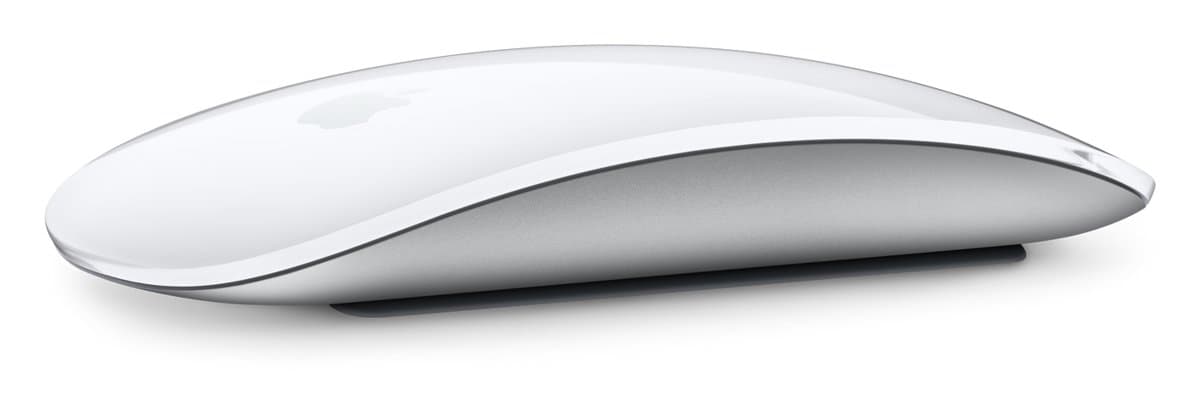
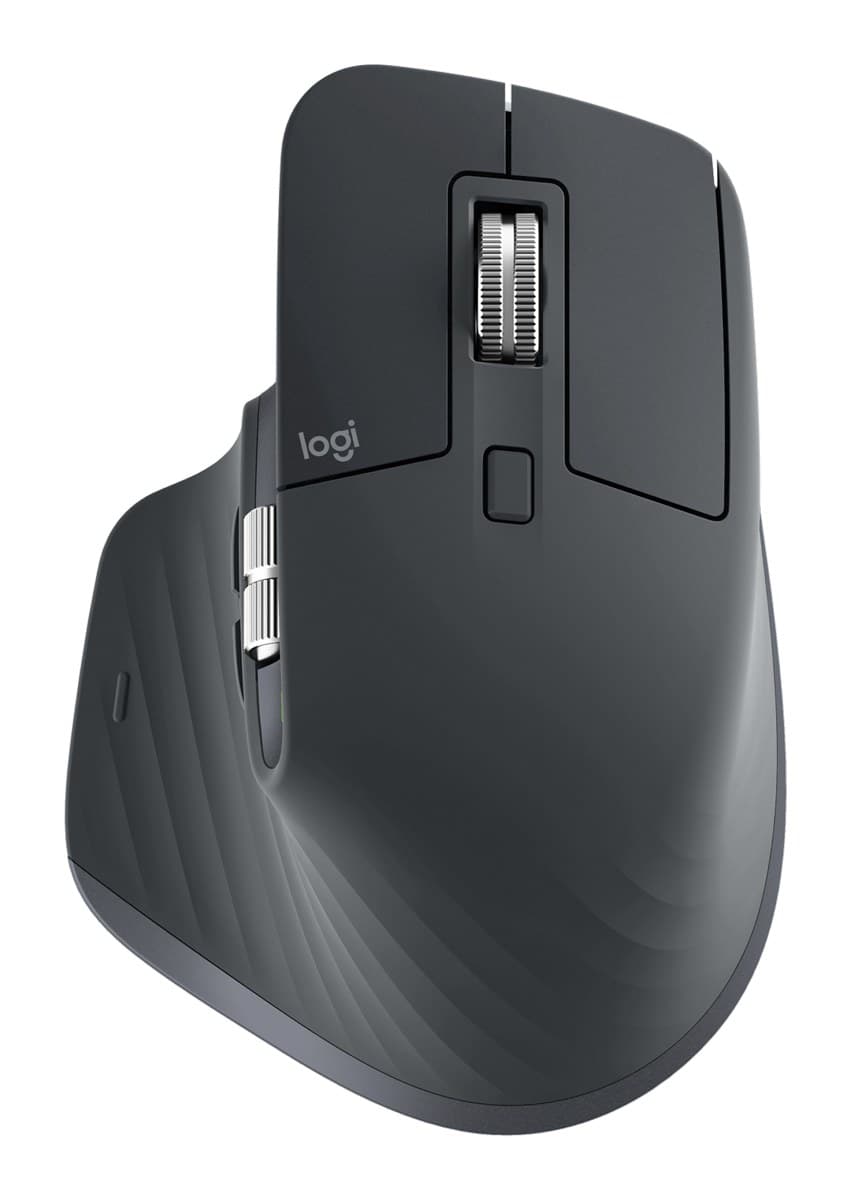
Get the Logitech MX Master 3S. Shaped for a hand, two wheels, side buttons, three devices, and it works while charging. The Magic Mouse looks beautiful, but it's flat and charges from underneath.
We may earn a commission from these links.
Which one is for you?
Magic Mouse
Short bursts of mouse use, looks and swiping? The Magic Mouse.
Is the Apple Magic Mouse (USB-C) worth it?MX Master 3S
Long work days and several computers: that's the MX Master 3S.
Is the Logitech MX Master 3S worth it?Key differences
Comfort
Buttons and wheels
Devices at once
Use while charging
Mac swipe gestures
What owners say
Verified buyers only; every 1–3 star review read by us. How we do this
Magic Mouse
Owners love how it looks, how long a charge lasts and how smoothly it tracks. None of the owners we read rated it below four stars.
- Looks great
- Long battery life
- Good quality
Nothing came up often enough to list.
MX Master 3S
Owners love how comfortable it is, its programmable buttons and its quiet clicks. The main complaint is lag or dropped Bluetooth connections, followed by a shape that some found uncomfortable and Mac or Linux problems.
- Comfortable, fits the hand well
- Programmable buttons and settings
- Quiet clicks
- Problems on Mac or Linux
- Uncomfortable shape, or caused hand pain
Related pages
How we reached this verdict
We compared independent expert reviews with the manufacturer's specifications, then checked it's sold at a major retailer where you live. We don't test products ourselves.
Sources: Tom's Hardware, TechRadar, Trusted Reviews, Windows Central, Macworld, manufacturer specifications.
Owner reports for the Magic Mouse: 55 verified buyer ratings at Takealot (South Africa), read November 2026.
Owner reports for the MX Master 3S: 487 verified buyer ratings at Currys, Otto (Germany), Best Buy (Canada), Takealot (South Africa), Boulanger (France) and Elgiganten (Nordics), read November 2026.