Updated 2 Nov 2026
Is the Razer Pro Click V2 Wireless Mouse worth it?
Yes — if you work and play games on the same mouse.
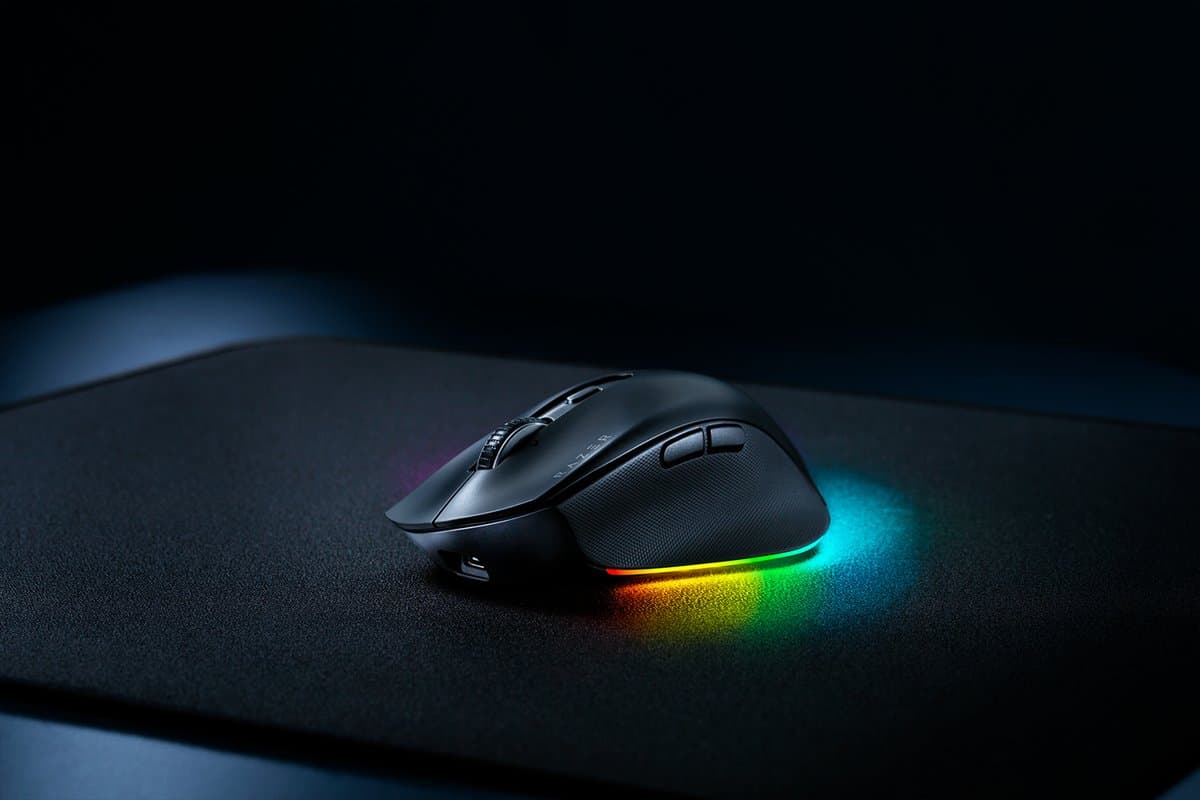
It has a sculpted right-handed shape that's comfortable all day, a wheel that tilts and spins freely, programmable buttons and a sensor good enough for games. It connects over Bluetooth or its USB receiver, pairs with up to four devices and recharges over USB-C. It's large and fairly heavy, so small hands and travel bags won't love it, and someone who never games will be just as happy with an MX Master.
Good to know
- Large and fairly heavy for travel.
- Right-handed only.
- Razer's software is aimed at gamers rather than office shortcuts.
- Comfortable, sculpted shape
- Gaming-grade sensor and fast clicks
- Tilting, free-spinning wheel
We earn a commission from these links.
Get it if…
- You want one mouse for work and games.
- Your hands are medium to large.
Skip it if…
- You never game: the MX Master 3S has better office software.
- You want a vertical grip: the Pro Click V2 Vertical.
More on the Razer Pro Click V2
How we reached this verdict
Windows Central says it's clearly aimed at the MX Master and puts up a great fight, with an excellent ergonomic design, best-in-class performance, reliable battery life and plenty of features, though it's on the large side and non-gamers may still prefer the Logitech. RTINGS rates it a very good office mouse that also suits gaming, with a comfortable shape and a tilting free-scroll wheel.
We compared independent expert reviews with the manufacturer's specifications, then checked it's sold at a major retailer where you live. We don't test products ourselves.
Sources: Windows Central, RTINGS, Razer, Tom's Hardware, TechRadar, Trusted Reviews, Macworld, manufacturer specifications.
Updated 2 Nov 2026How we decide