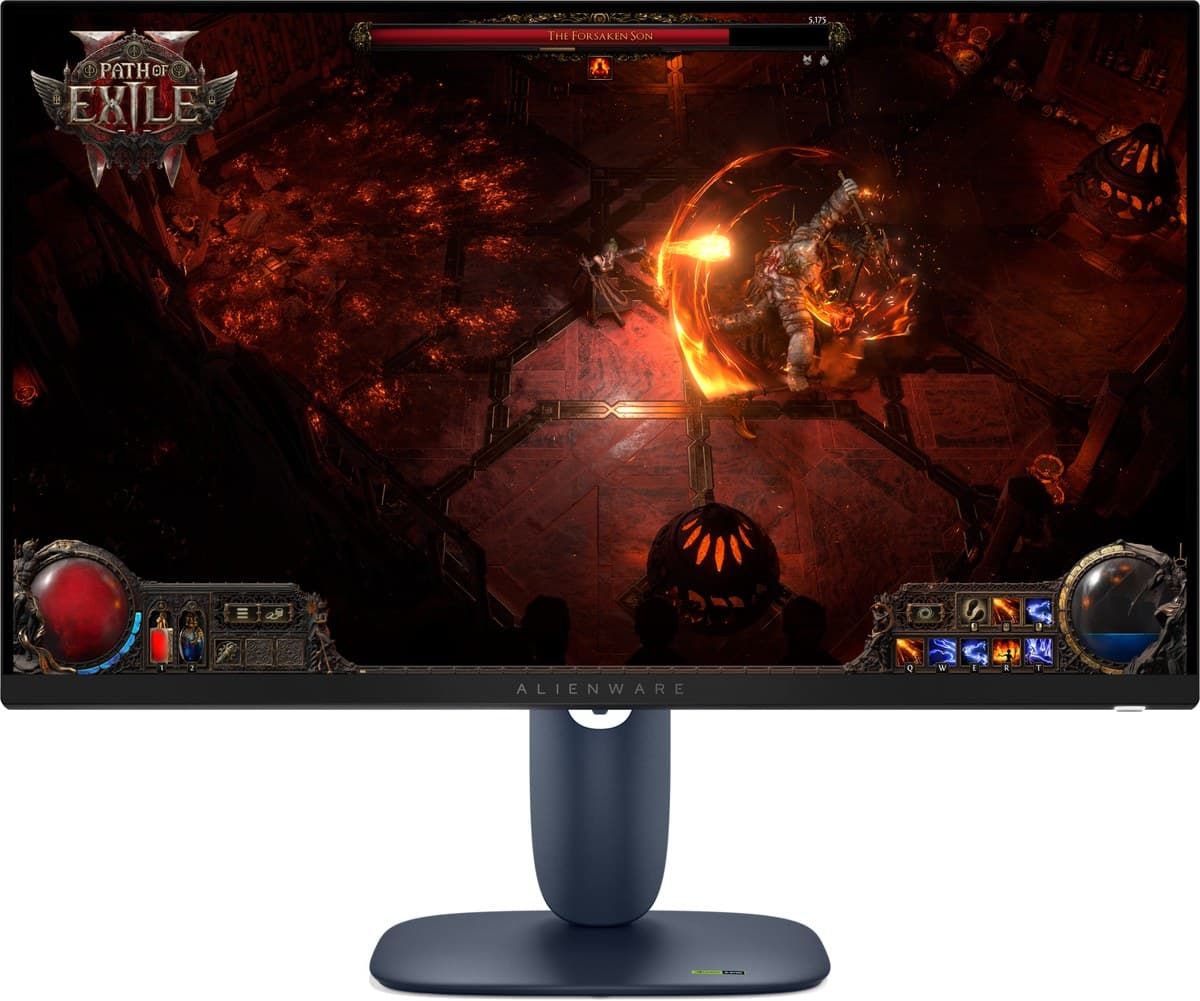
Updated 18 Oct 2026
Is the Dell Alienware AW2725DM worth it?
Yes — if you want a solid gaming screen for less.
It gets the basics right: 1440p at 180Hz with low input lag, consistent motion, good text clarity, enough brightness for most rooms and an ergonomic stand. The IPS panel's low contrast makes blacks look grey, and HDR is weak, so turn HDR off for the best picture.
Good to know
- Its HDR local dimming blooms badly and can't be turned off in HDR (RTINGS).
- HDMI 2.0 only.
- Reflections are distracting in a sunny room.
- 1440p at 180Hz with low input lag
- Bright enough for most rooms
- Ergonomic stand
We earn a commission from these links.
Get it if…
- You want a dependable gaming monitor on a budget.
- You play in a bright room.
- You don't care about HDR.
Skip it if…
- You watch films in the dark — the AOC's blacks are far deeper.
- You need USB-C for a laptop.
How we reached this verdict
RTINGS names it the best cheap monitor: 180Hz, every common VRR format, low input lag, consistent motion, good text clarity and an ergonomic stand. It loses out on picture quality, with low contrast and terrible local dimming in HDR, which is why the AOC is our budget pick.
We compared independent expert reviews with the manufacturer's specifications, then checked it's sold at a major retailer where you live. We don't test products ourselves.
Sources: RTINGS, Dell (specs), RTINGS, RTINGS, RTINGS, RTINGS, manufacturer specifications.
Updated 18 Oct 2026How we decide