Updated 18 Oct 2026
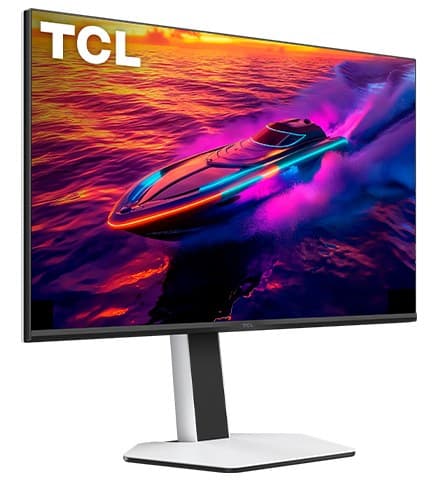
Is the TCL 32R84 worth it?
Yes — for gaming and work on one screen.
It gets bright enough to beat glare in most rooms, and its local dimming gives deep blacks with vivid colour, so HDR games and films pop. It runs 4K at 165Hz with low input lag and a fast response, and handles 4K 120Hz from a PS5 or Xbox. For work, text is sharp, the stand adjusts easily, and a USB-C port charges a laptop at 90W with a KVM switch. Bright objects show haloing, dark scenes smear a little, the picture can flicker with local dimming or VRR on, and it washes out from the side.
Good to know
- Flicker in dark scenes with local dimming or VRR on.
- Haloing around bright objects.
- Black smearing in dark, fast scenes.
- Narrow viewing angle.
- Very bright 4K Mini LED with great HDR
- 165Hz, low lag, 4K 120Hz for consoles
- USB-C 90W charging and a KVM switch
We earn a commission from these links.
Get it if…
- You game and work on the same screen.
- You want a big, bright 4K monitor for a sunny room.
- You charge a laptop over USB-C.
Skip it if…
- You play dark games with VRR on: it can flicker.
- You want OLED blacks without haloing.
- People view it from the side.
More on the TCL 32R84
How we reached this verdict
RTINGS rates it great for PC gaming and excellent for consoles and office work: incredible brightness, great HDR, a fast response with low input lag, sharp text, a KVM switch and 90W USB-C. It notes haloing, black smearing, flicker in dark scenes with local dimming or VRR, and a narrow viewing angle.
We compared independent expert reviews with the manufacturer's specifications, then checked it's sold at a major retailer where you live. We don't test products ourselves.
Sources: RTINGS, TCL (specs), RTINGS, RTINGS, RTINGS, RTINGS, manufacturer specifications.
Updated 18 Oct 2026How we decide