Keychron K2 HE vs SteelSeries Apex Pro TKL Gen 3
Get the Keychron K2 HE. Unless you want the most settings and an OLED screen — then the SteelSeries Apex Pro TKL Gen 3.
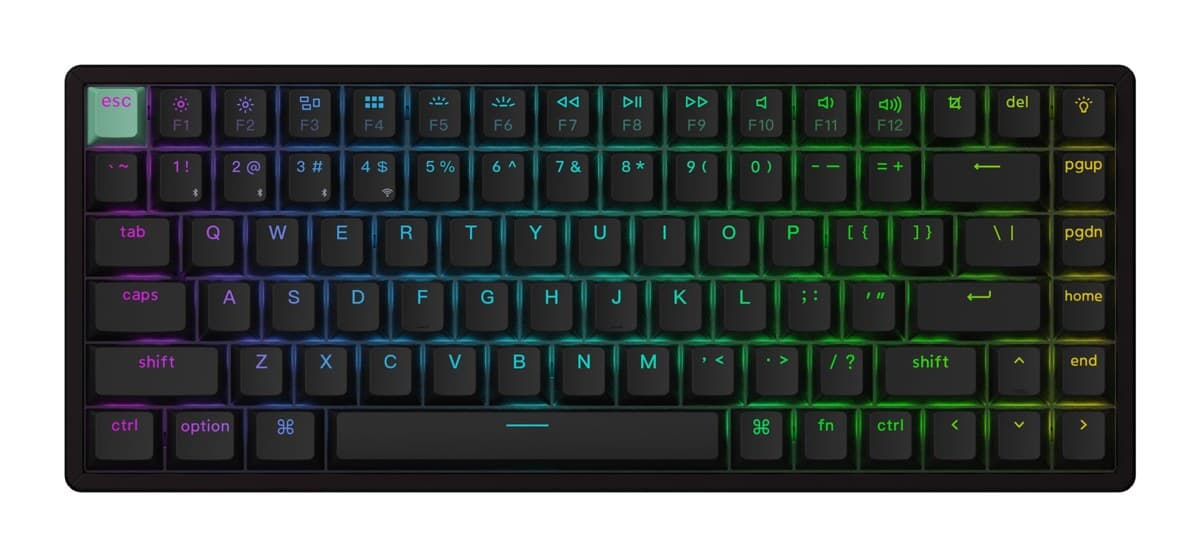
Keychron K2 HE
A compact wireless keyboard with adjustable magnetic switches and rapid trigger, extremely quiet to type on, for much less than the esports boards.
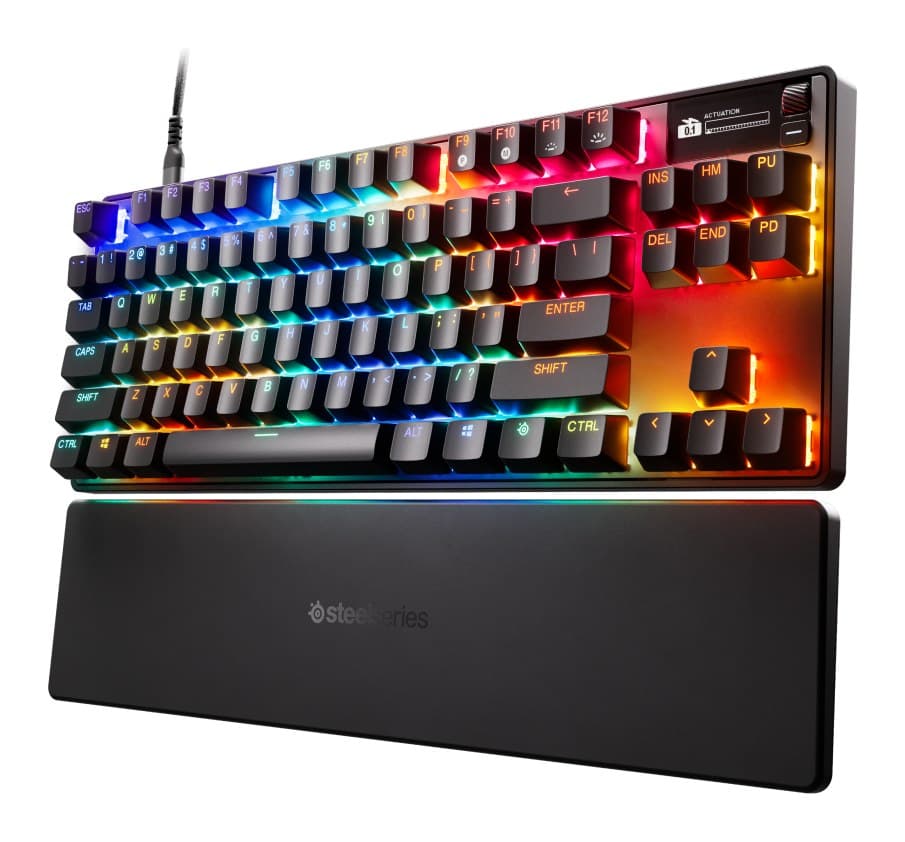
SteelSeries Apex Pro TKL Gen 3
Superb magnetic switches, a handy OLED screen and a lovely feel, but it's wired only and costs about as much as the Razer.
We earn a commission from these links.
Both have magnetic switches with rapid trigger. The Keychron is wireless and much cheaper; the SteelSeries adds a screen, Protection Mode, two actions per key and a wrist rest, but it's wired only.
- —You want wireless.
- —You use it on more than one device.
- —You want rapid trigger for less.
- —You love tweaking every key.
- —You'd use a screen for settings and system stats.
- —You want a wrist rest in the box.
Key differences
Pros and cons
- +Magnetic switches with rapid trigger
- +2.4 GHz, Bluetooth and wired
- +Extremely quiet to type on
- −The case is tall, so most people will want a separate wrist rest.
- −Bluetooth runs at a low polling rate: game on the 2.4 GHz dongle or the cable.
- −Only a few switch types fit it, all linear.
- +OmniPoint 3.0 switches, 0.1–4.0 mm
- +OLED screen for settings on the fly
- +Double-shot PBT keycaps and a wrist rest
- −The wrist rest is short and flat, so palms can hang off the edge.
- −Wired only, with no USB passthrough.
- −No controller emulation, unlike some analog keyboards.
Ready to choose?
- Is the K2 HE worth it?
- Is the Apex Pro TKL Gen 3 worth it?
- K2 HE vs Huntsman V3 Pro TKL
- K2 HE vs G515 TKL
- Huntsman V3 Pro TKL vs Apex Pro TKL Gen 3
- Huntsman V3 Pro TKL vs G515 TKL
- Best gaming keyboards
How we reached this verdict
We compared independent expert reviews with the manufacturer's specifications, then checked it's sold at a major retailer where you live. We don't test products ourselves.
Sources: RTINGS, Tom's Guide, PC Gamer, manufacturer specifications.