Logitech MX Master 4 vs Logitech Lift Vertical Ergonomic Mouse
Get the Logitech MX Master 4. Unless your wrist or forearm aches, or your hands are small — then the Lift's vertical grip.
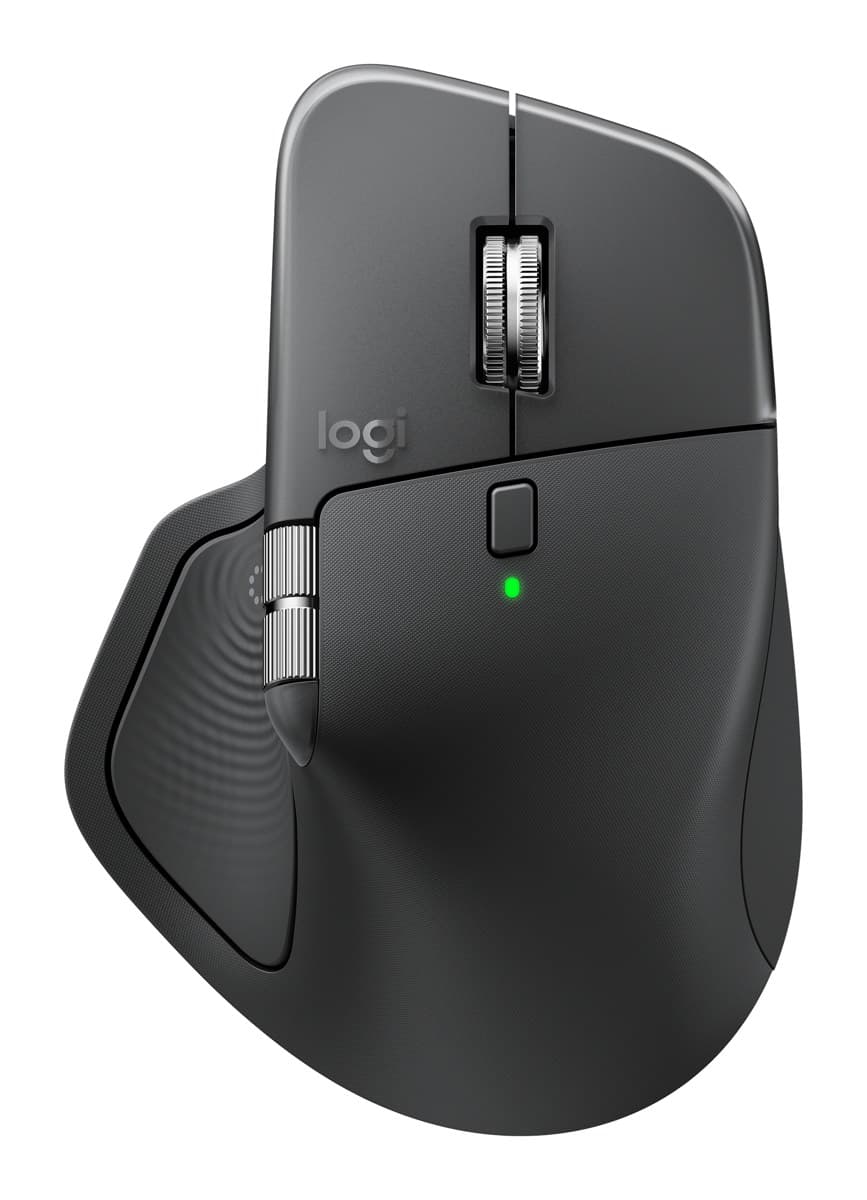
Logitech MX Master 4
The best mouse for work: a sculpted shape that's comfortable all day, a fast metal scroll wheel plus a thumb wheel, very quiet clicks and about 70 days per charge.
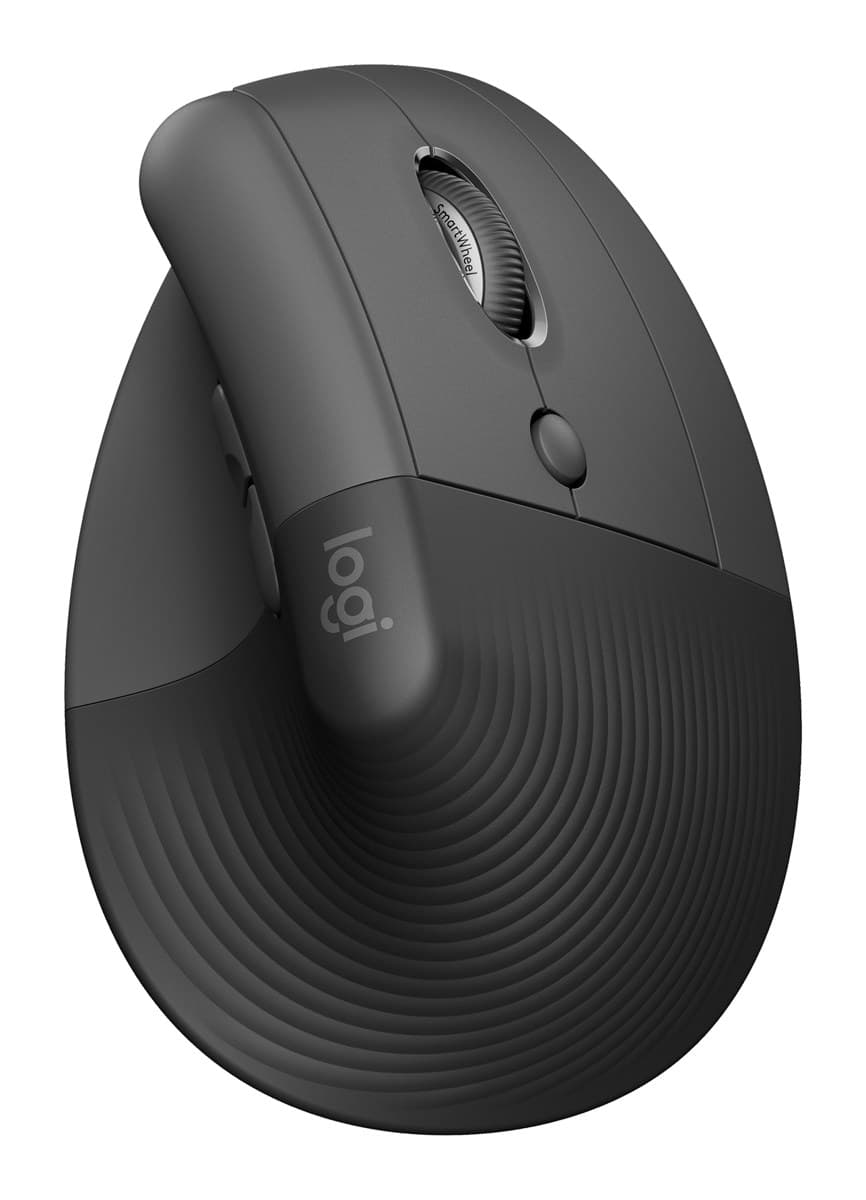
Logitech Lift Vertical Ergonomic Mouse
The best vertical mouse for small and medium hands: a 57° handshake grip that eases wrist twist, quiet clicks and up to two years on one AA battery. There's a left-handed version.
We earn a commission from these links.
The MX Master 4 is comfortable without changing how you hold a mouse, and adds better scrolling, more buttons and a rechargeable battery. The Lift holds your hand at 57°, closer to a handshake, so your forearm doesn't twist, and it fits small and medium hands and comes in a left-handed version.
- —You want a more comfortable mouse without learning a new grip.
- —You scroll long documents and spreadsheets.
- —You have medium to large hands.
- —Your wrist or forearm aches after a day with a normal mouse.
- —Your hands are small to medium.
- —You're left-handed.
Key differences
Pros and cons
- +Comfortable, hand-filling shape
- +Fast MagSpeed wheel plus a thumb wheel
- +Very quiet clicks, about 70 days per charge
- −Heavy at about 150 g.
- −The haptic panel, gestures and button settings need Logitech's Options+ app running in the background.
- −The thumb wheel feels cheaper than the main wheel, and the side buttons are hard to tell apart by touch.
- +57° vertical handshake grip
- +Fits small and medium hands, with a left-handed version
- +Up to two years on one AA battery
- −Large hands overhang it.
- −Runs on an AA battery rather than recharging.
- −Few programmable buttons, and the DPI button is awkward to reach.
- −A vertical grip takes a few days to get used to.
Ready to choose?
- Is the MX Master 4 worth it?
- Is the Logitech Lift worth it?
- MX Master 4 vs MX Master 3S
- Logitech Lift vs MX Vertical
- MX Master 4 vs MX Ergo S
- MX Master 3S vs M720 Triathlon
- Best ergonomic mice