Logitech MX Master 4 vs Logitech MX Ergo S Wireless Trackball
Get the Logitech MX Master 4. Unless moving a mouse around hurts your wrist or shoulder, or your desk is small — then the MX Ergo S trackball.
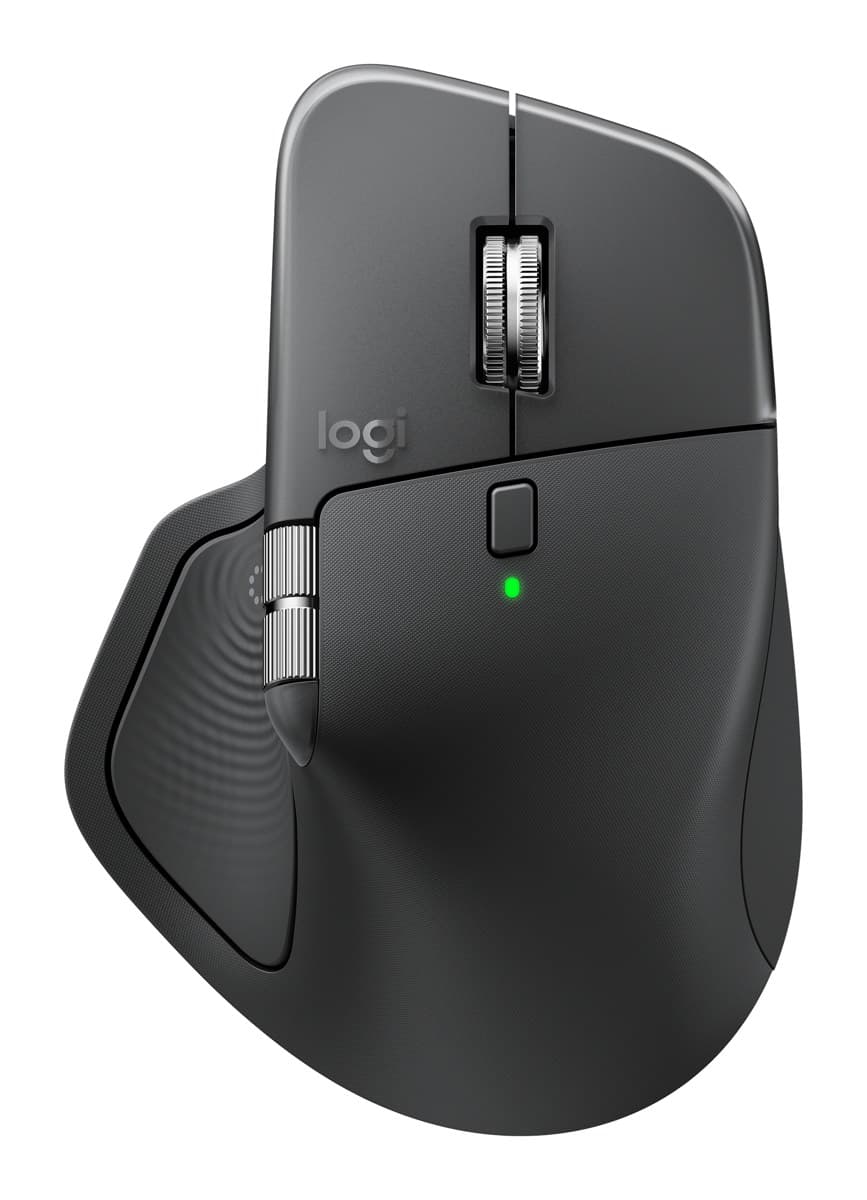
Logitech MX Master 4
The best mouse for work: a sculpted shape that's comfortable all day, a fast metal scroll wheel plus a thumb wheel, very quiet clicks and about 70 days per charge.
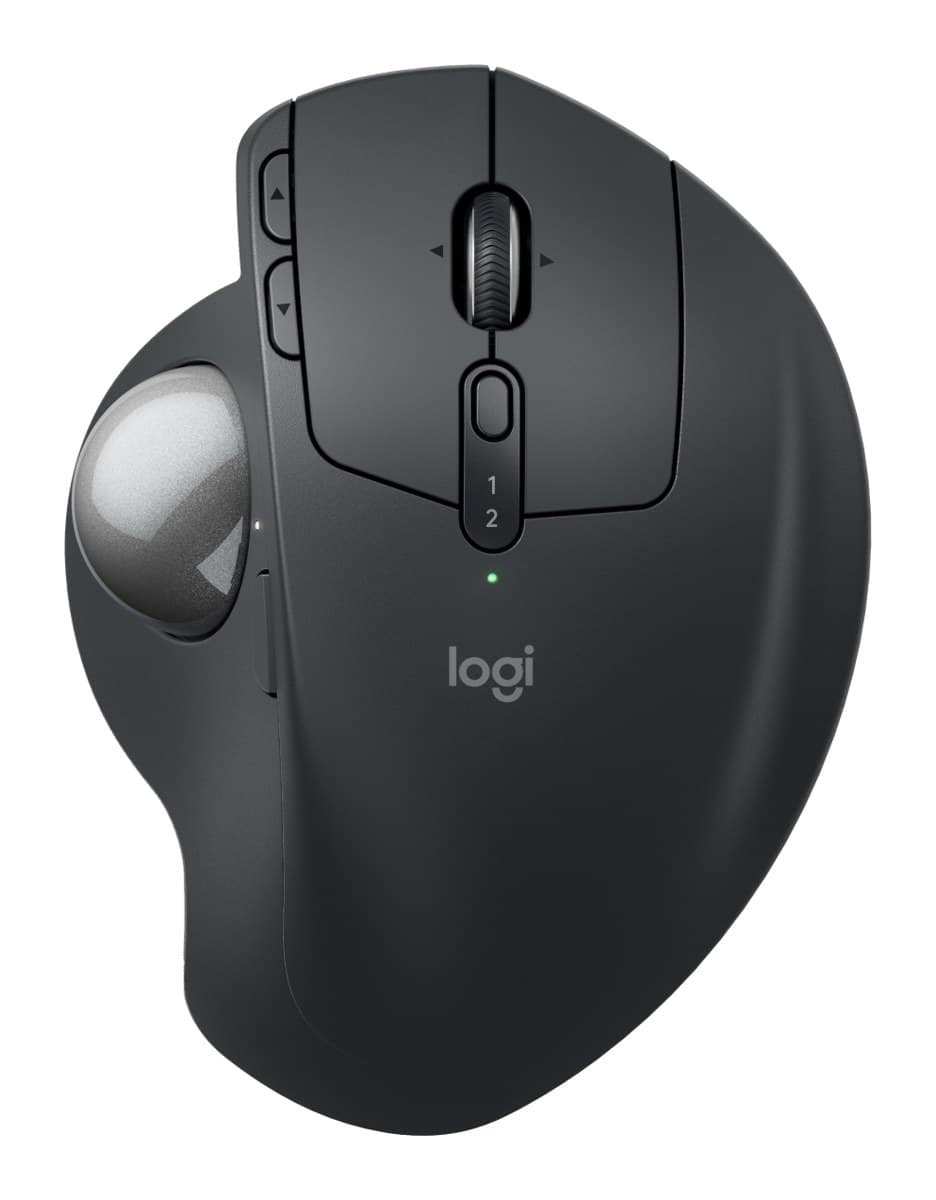
Logitech MX Ergo S Wireless Trackball
The best trackball: you steer with your thumb, so your arm stays still. It tilts to 20°, clicks silently and lasts about four months per charge. US shops sell it as the MX Ergo S Plus, with an extra wedge.
We earn a commission from these links.
The MX Master 4 is the more familiar choice: a comfortable shape, better scrolling and nothing new to learn. The MX Ergo S stays still while you steer with your thumb, so your arm barely moves, and it tilts to 20°, but a trackball takes practice and it's right-handed only.
- —You want comfort without learning a new way to point.
- —You scroll long documents and spreadsheets.
- —You'd rather not learn a trackball.
- —Moving a mouse around hurts your wrist or shoulder.
- —Your desk is small or cluttered.
- —You're right-handed and happy to practise.
Key differences
Pros and cons
- +Comfortable, hand-filling shape
- +Fast MagSpeed wheel plus a thumb wheel
- +Very quiet clicks, about 70 days per charge
- −Heavy at about 150 g.
- −The haptic panel, gestures and button settings need Logitech's Options+ app running in the background.
- −The thumb wheel feels cheaper than the main wheel, and the side buttons are hard to tell apart by touch.
- +Thumb trackball: your arm stays still
- +Tilts flat or to 20°
- +Silent clicks, about four months per charge
- −Right-handed only.
- −Heavy, with its tilt plate, so it stays on the desk.
- −Takes a while to get used to steering with your thumb.
- −Barely changed from the older MX Ergo apart from quieter clicks and USB-C.
Ready to choose?
- Is the MX Master 4 worth it?
- Is the MX Ergo S worth it?
- MX Master 4 vs MX Master 3S
- MX Master 4 vs Logitech Lift
- Logitech Lift vs MX Vertical
- MX Master 3S vs M720 Triathlon
- Best ergonomic mice