TCL Note A1 NXTPAPER vs TCL NXTPAPER 11 Plus
Get the TCL Note A1 NXTPAPER. Unless you mainly read: then the cheaper NXTPAPER 11 Plus.
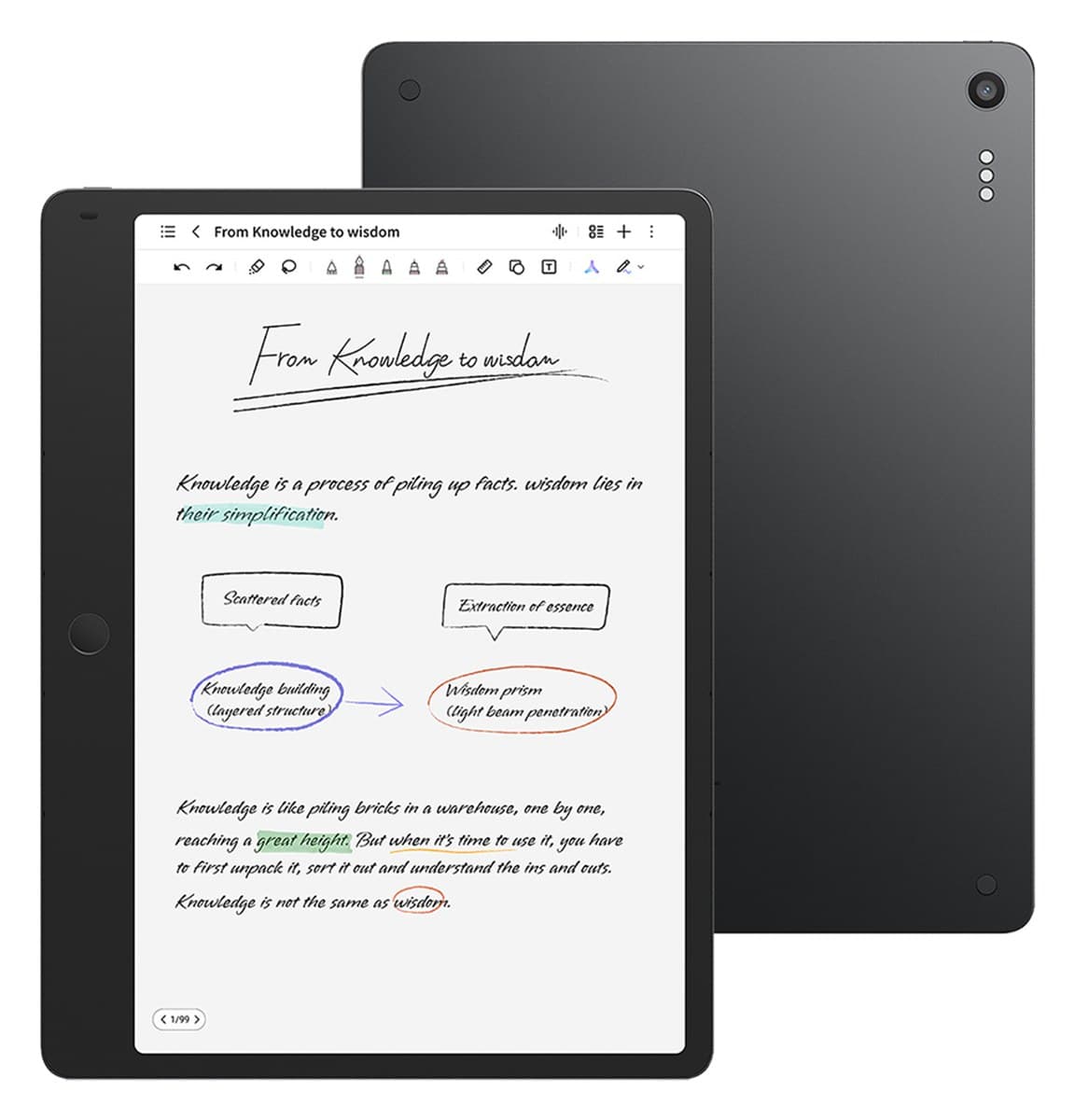
TCL Note A1 NXTPAPER
A note-taking tablet with a matte, paper-like 120Hz screen, a pen and keyboard case, and accurate offline transcription.
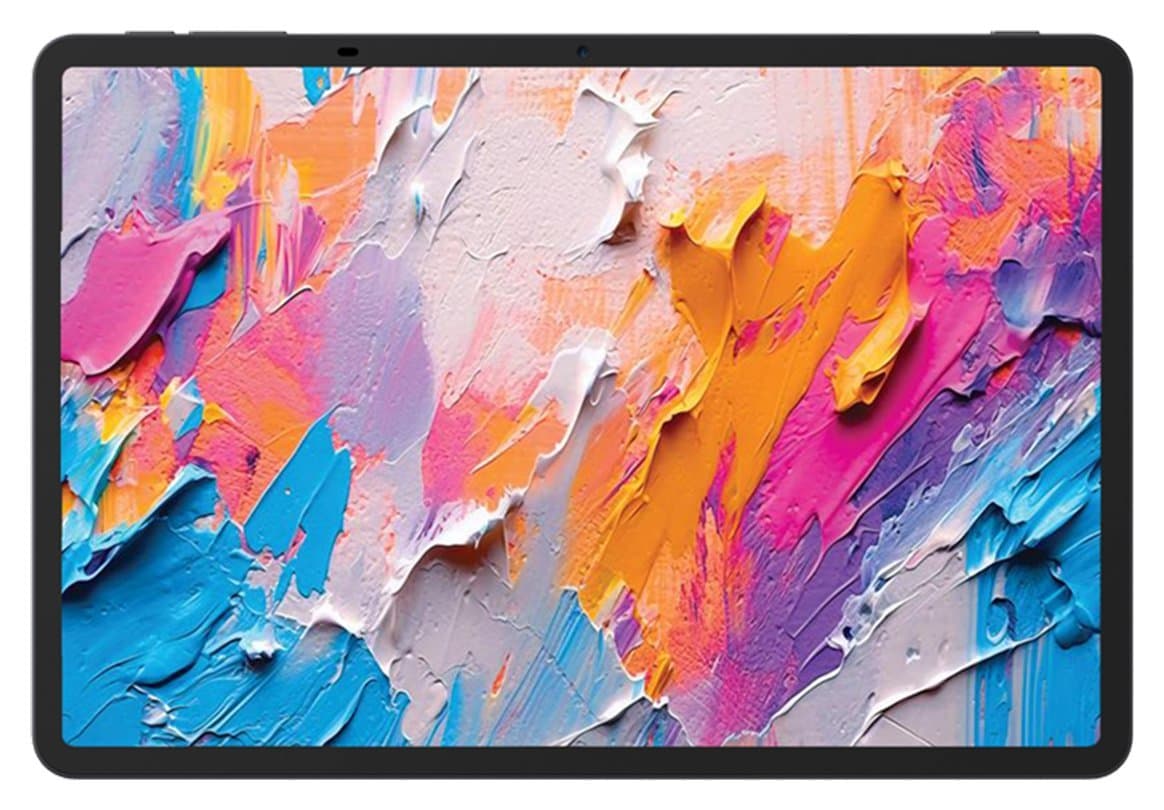
TCL NXTPAPER 11 Plus
A tablet with a matte, paper-like screen that turns into an e-reader at the press of a button. Pen and case included. Slow.
We earn a commission from these links.
Both have an 11.5-inch matte, paper-like screen and a pen in the box. The Note A1 adds a 120Hz screen, a keyboard case and a notes app that records and transcribes meetings offline. The 11 Plus costs far less and switches to an ink-paper reading mode, but its chip feels sluggish.
- —You take notes in meetings or lectures.
- —You'd type on it too.
- —You want it to feel smooth.
- —You mostly read books and comics.
- —You want to spend much less.
- —You'd use the ink-paper mode.
Key differences
Pros and cons
- +Matte, paper-like 120Hz colour screen
- +Pen and keyboard case in the box
- +Accurate offline transcription of meetings
- −Writing feels less like paper than an e-ink notepad.
- −The 300-nit screen is dim outdoors.
- −Battery lasts a day or two, not weeks.
- −No front camera and no memory card slot.
- +Matte, paper-like screen with almost no glare
- +Ink-paper mode for e-reader-style reading
- +Pen and case in the box
- −Apps open slowly and demanding games stutter.
- −The speakers are loud but boxy.
- −The included case is flimsy.
- −No memory card slot or headphone jack.
- Is the TCL Note A1 worth it?
- Is the NXTPAPER 11 Plus worth it?
- iPad Air (M4) vs iPad (A16)
- iPad Air (M4) vs iPad Pro (M5)
- iPad Air (M4) vs Galaxy Tab S11
- iPad mini vs iPad (A16)
- Best tablets
How we reached this verdict
We compared independent expert reviews with the manufacturer's specifications, then checked it's sold at a major retailer where you live. We don't test products ourselves.
Sources: Tom's Guide, TechRadar, manufacturer specifications.