Logitech Ergo M575S Wireless Trackball vs Logitech MX Ergo S Wireless Trackball
Get the Logitech Ergo M575S. Unless you want a trackball that tilts, recharges and switches between two computers — then the MX Ergo S.
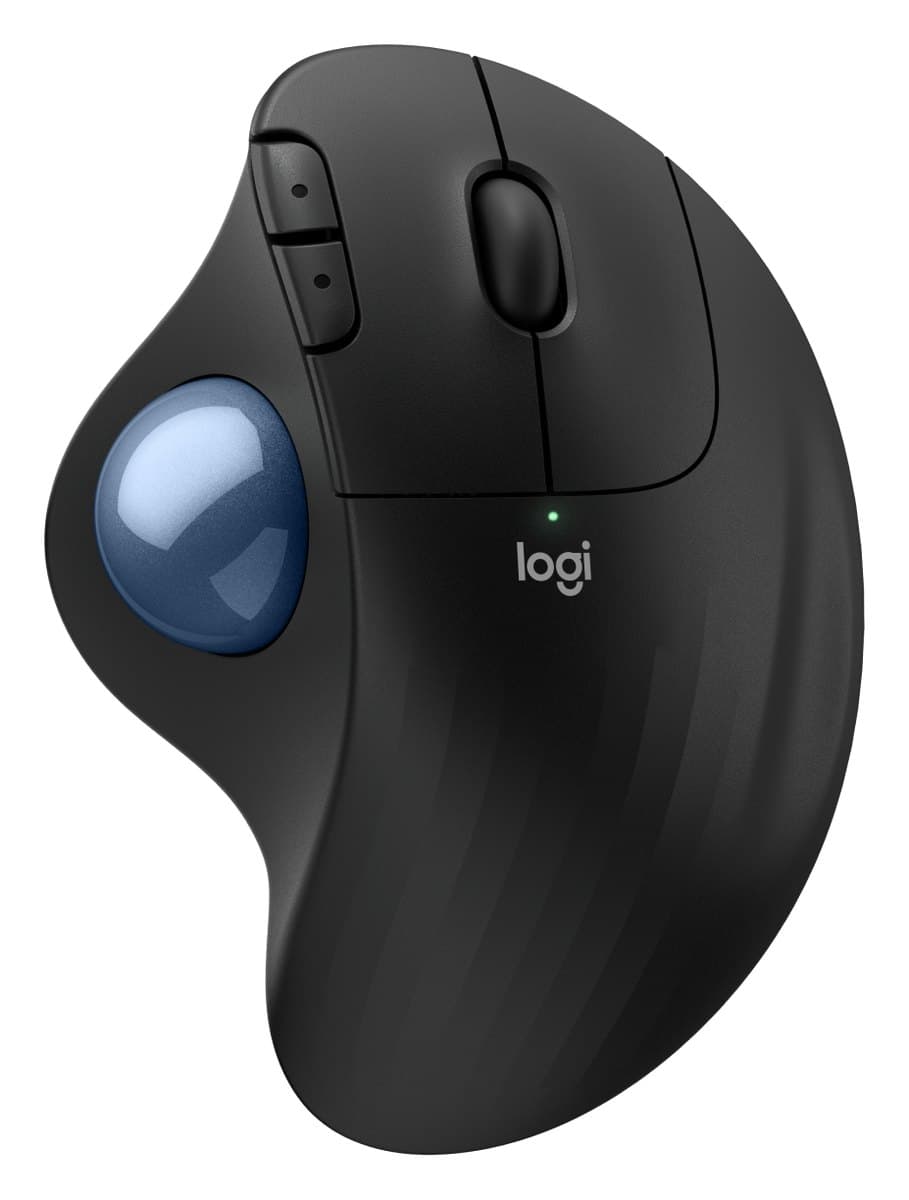
Logitech Ergo M575S Wireless Trackball
The cheap way to try a trackball: steer with your thumb so your arm stays still, comfortable for most hands, with much quieter clicks than the old M575.
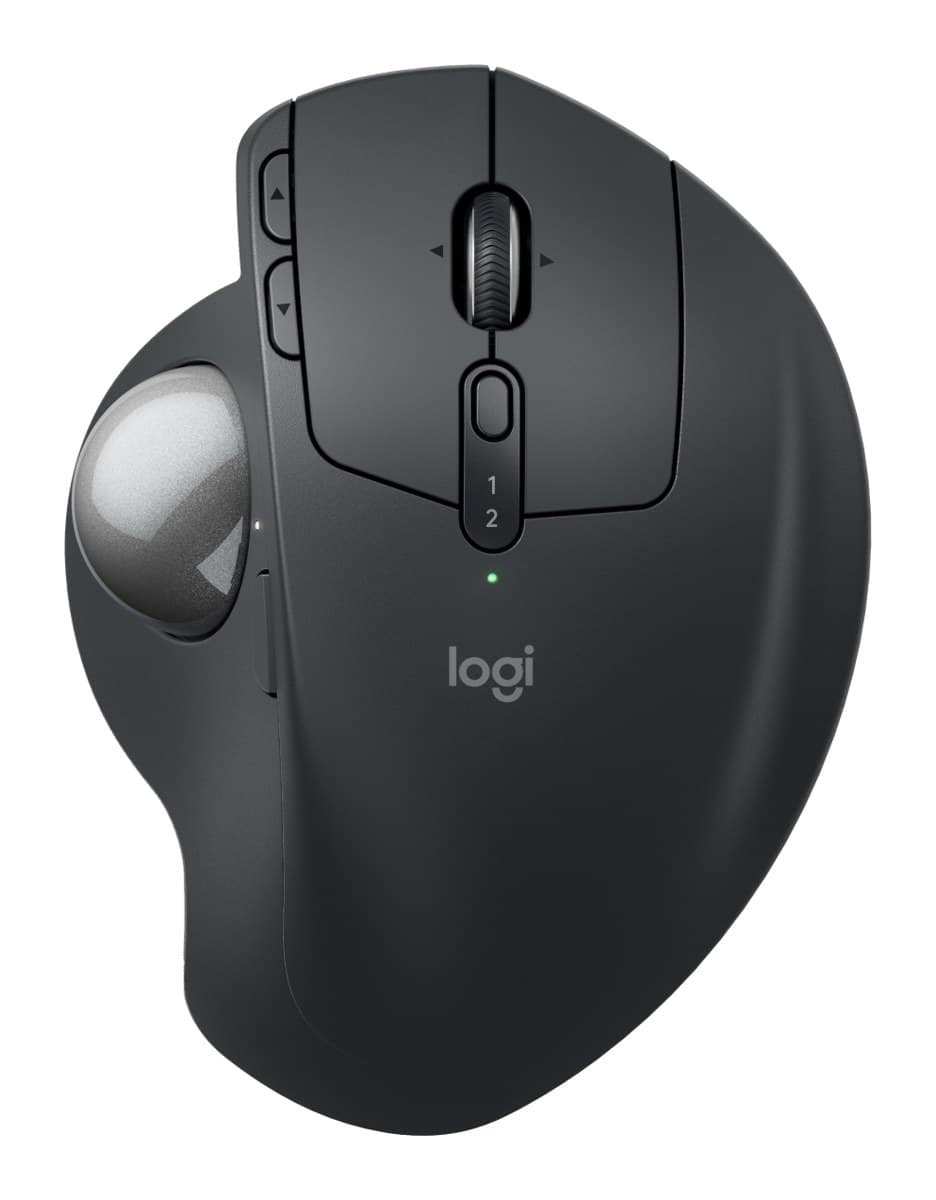
Logitech MX Ergo S Wireless Trackball
The best trackball: you steer with your thumb, so your arm stays still. It tilts to 20°, clicks silently and lasts about four months per charge. US shops sell it as the MX Ergo S Plus, with an extra wedge.
We earn a commission from these links.
Both are right-handed thumb trackballs, so your arm stays still. The M575S does the job for about half the price and fits nearly every hand; the MX Ergo S adds a hinge that tilts it to 20°, silent clicks, a rechargeable battery and two-computer switching.
- —You want to try a trackball without spending much.
- —You use one computer.
- —You don't mind changing a battery now and then.
- —A tilted hand position is more comfortable for you.
- —You use two computers.
- —You'd rather recharge.
What verified owners report
Only reviews from checked buyers count, and every 1–3 star review is read by us. How we do this
Owners say it eased their wrist or shoulder pain, fits the hand well and takes only a few days to learn, and several were surprised how silent the clicks are. The three unhappy owners preferred a normal mouse, found the ball jumpy, or missed Logitech's older receiver.
- ✓Eased wrist or shoulder pain
- ✓Comfortable fit
- ✓Smooth, easy-to-use ball
None came up often enough to list.
Owners love how smooth and precise the trackball is, its build and how it eases arm and wrist pain. The main complaint is soft, mushy main clicks, followed by a trackball some found hard to control.
- ✓Smooth, precise trackball
- ✓Well built and reliable
- ✓Eased arm, wrist or hand pain
None came up often enough to list.
Key differences
Pros and cons
- +Thumb trackball: your arm stays still
- +Comfortable for nearly all hand sizes
- +Quiet clicks, for little money
- −Right-handed only.
- −The scroll wheel doesn't tilt or spin freely.
- −Small hands may struggle to reach the back and forward buttons.
- −Uses a disposable AA battery.
- −A trackball takes a few days to get used to.
- +Thumb trackball: your arm stays still
- +Tilts flat or to 20°
- +Silent clicks, about four months per charge
- −Right-handed only.
- −Heavy, with its tilt plate, so it stays on the desk.
- −Takes a while to get used to steering with your thumb.
- −Barely changed from the older MX Ergo apart from quieter clicks and USB-C.
- Is the Ergo M575S worth it?
- Is the MX Ergo S worth it?
- MX Master 4 vs MX Master 3S
- MX Master 4 vs Logitech Lift
- Logitech Lift vs MX Vertical
- MX Master 4 vs MX Ergo S
- Best ergonomic mice
How we reached this verdict
We compared independent expert reviews with the manufacturer's specifications, then checked it's sold at a major retailer where you live. We don't test products ourselves.
Sources: RTINGS, Engadget, manufacturer specifications.
Owner reports for the Ergo M575S: 27 verified buyer ratings at Currys and Best Buy (Canada), read October 2026.
Owner reports for the MX Ergo S: 36 verified buyer ratings at Currys, Otto (Germany) and Best Buy (Canada), read October 2026.