Compare · Updated 18 Oct 2026
Dell Alienware AW2725DM vs Samsung Odyssey G55C 32"
Get the Alienware AW2725DM. Unless you mostly work, watch films or play slower games and want a big curved screen — then the Odyssey G55C, for less.
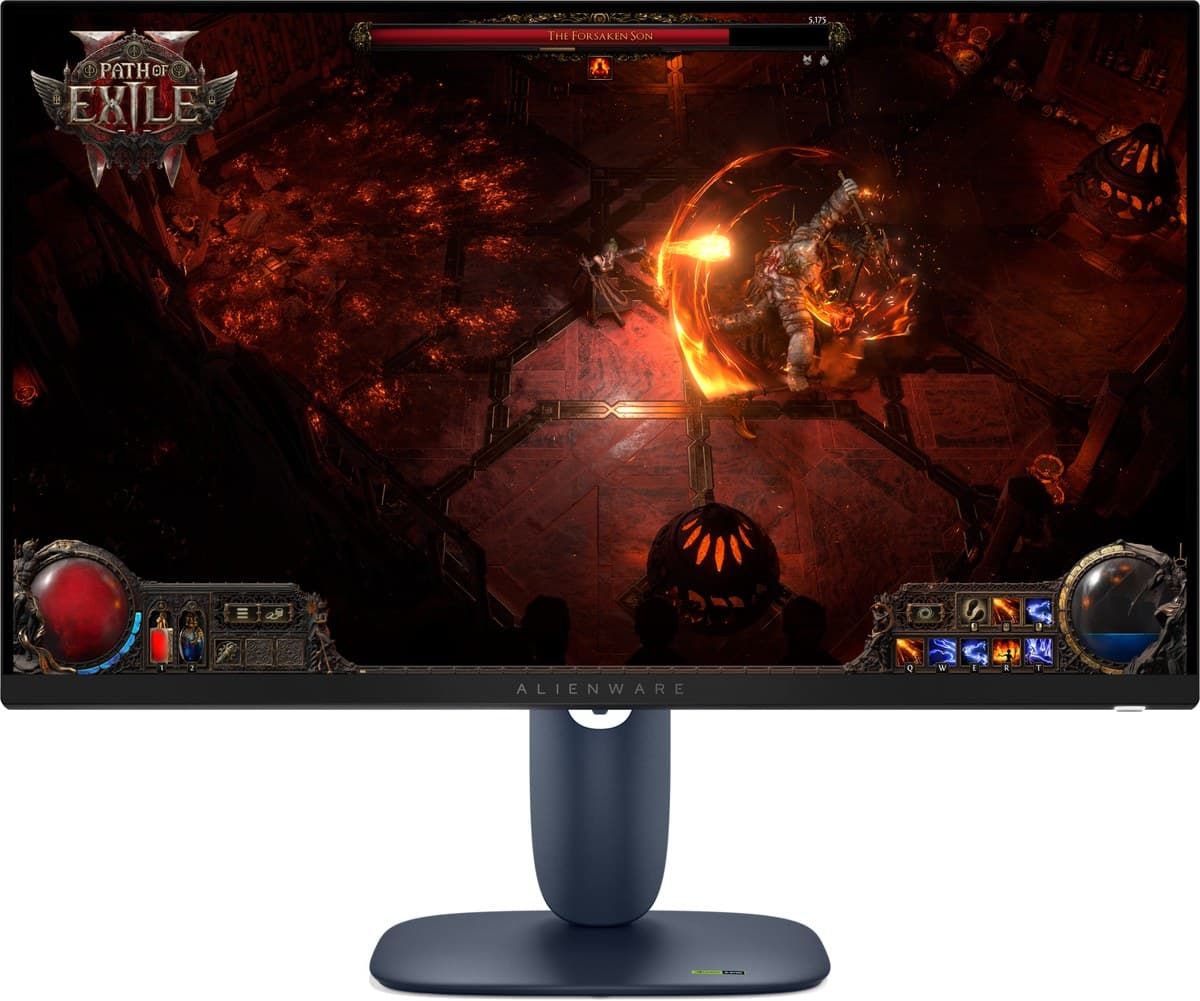
Dell Alienware AW2725DM
A simple 27-inch 1440p, 180Hz gaming monitor for little money. Picture quality is basic.
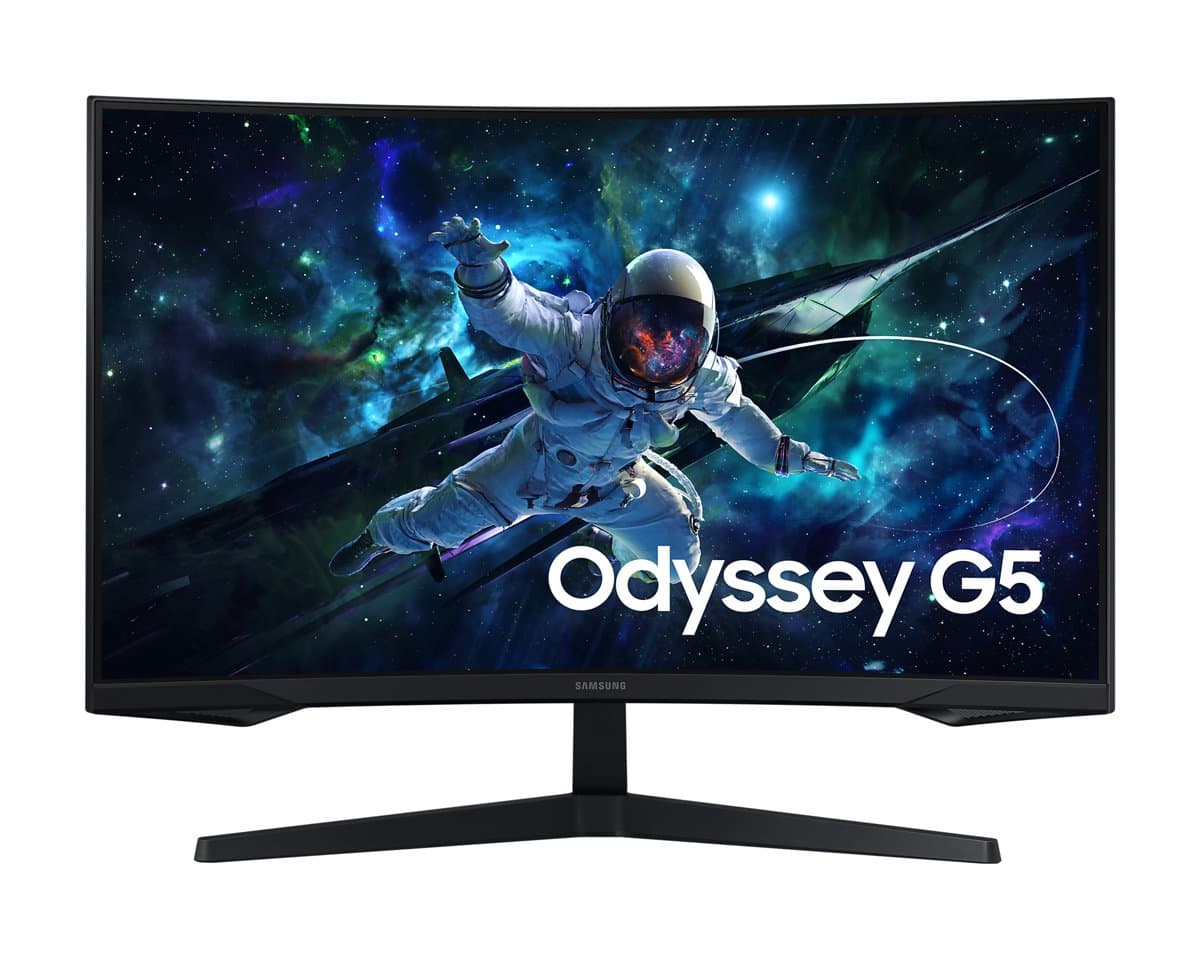
Samsung Odyssey G55C 32"
A big, curved 1440p screen with deep blacks for little money. Fast motion smears.
We earn a commission from these links.
The short answer
Both are 1440p screens with low input lag for little money. The Alienware is the better gaming monitor, with 180Hz, consistent motion and an ergonomic stand; the Samsung is bigger, curved and has much deeper blacks for less, but dark scenes smear in fast games.
Get the Alienware AW2725DM if
- —You play fast games.
- —You want a stand that adjusts.
- —You play in a bright room.
Get the Odyssey G55C if
- —You want a big, curved screen.
- —You work, watch films or play slower games.
- —Deep blacks matter more than fast motion.
Key differences
Screen
27-inch 1440p
Alienware AW2725DM
32-inch 1440p, strongly curved
Odyssey G55C
Blacks
Grey, low contrast
Alienware AW2725DM
Deep, from a VA panel
Odyssey G55C
Fast games
180Hz, consistent motion
Alienware AW2725DM
165Hz; dark scenes smear
Odyssey G55C
Stand
Ergonomic
Alienware AW2725DM
Tilts only
Odyssey G55C
Price
Higher
Alienware AW2725DM
Lower
Odyssey G55C
Pros and cons
Dell Alienware AW2725DM
- +1440p at 180Hz with low input lag
- +Bright enough for most rooms
- +Ergonomic stand
- −Its HDR local dimming blooms badly and can't be turned off in HDR (RTINGS).
- −HDMI 2.0 only.
- −Reflections are distracting in a sunny room.
Samsung Odyssey G55C 32"
- +32-inch 1440p at 165 Hz
- +Deep blacks from a VA panel
- +Low input lag
- −The stand only tilts, and its wide feet take up a lot of desk.
- −Just one HDMI and one DisplayPort.
- −Some flicker with FreeSync on in dark scenes.
Ready to choose?
- Is the Alienware AW2725DM worth it?
- Is the Odyssey G55C worth it?
- LG 27GX790B vs Alienware AW2725DF
- ASUS PG32UCDM vs LG 27GX790B
- ASUS PG32UCDM vs Alienware AW2725DF
- AOC Q27G3XMN vs Alienware AW2725DM
- Best monitors
How we reached this verdict
Updated 18 Oct 2026How we decide