Apple iPad mini (A17 Pro) vs Apple iPad Air 11-inch (M4)
Get the iPad Air (M4). Unless you want a tablet small enough for one hand and a small bag — then the iPad mini.
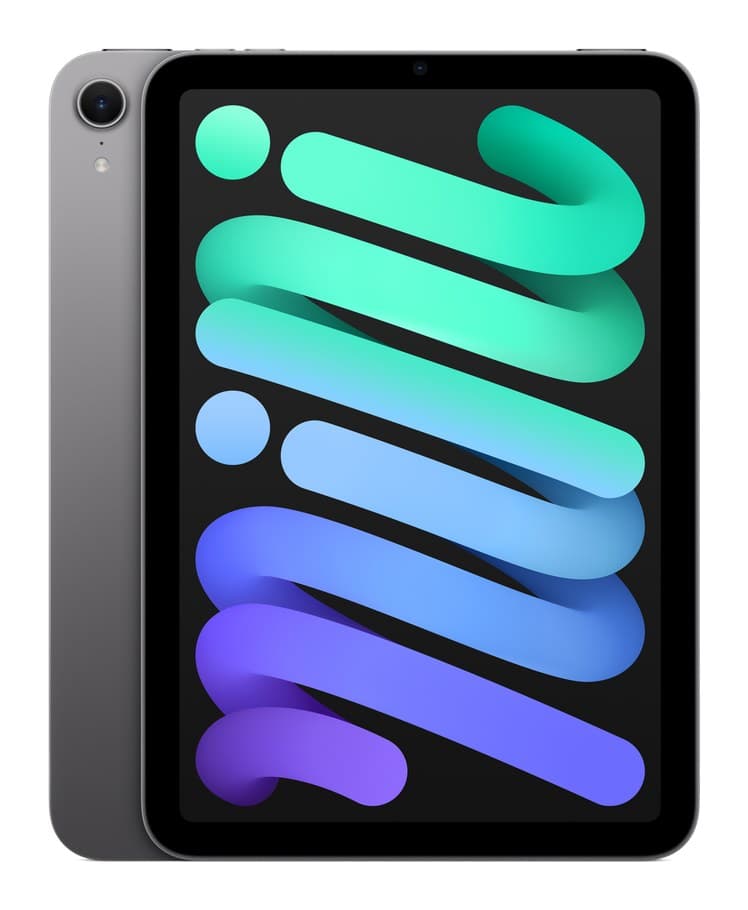
Apple iPad mini (A17 Pro)
A full iPad that fits in a coat pocket, with Apple Pencil Pro support and Apple Intelligence. The design and screen are getting old.
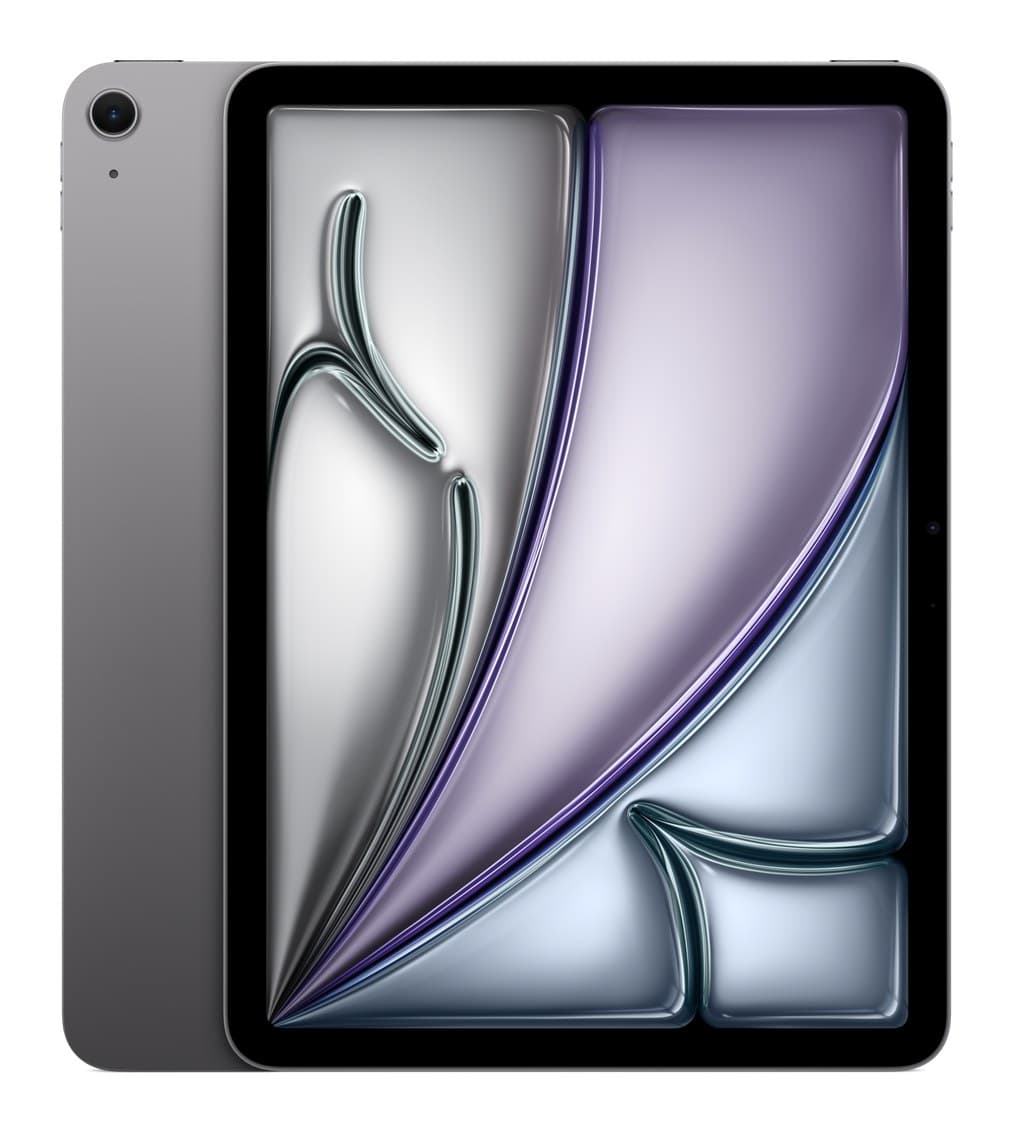
Apple iPad Air 11-inch (M4)
The tablet most people should buy: fast, light, with a sharp screen and support for the best Apple Pencil and keyboard. No 120Hz screen and no Face ID.
We earn a commission from these links.
Both are fast, run Apple Intelligence and work with the Apple Pencil Pro. The Air's 11-inch screen and keyboard support make it the one tablet for films, notes and some work, for a little more; the mini is the one to carry everywhere.
- —You want a tablet to carry everywhere or read on in bed.
- —You take handwritten notes on the go.
- —You want to spend a little less.
- —You want one tablet for films, notes, drawing, games and some work.
- —You want a proper keyboard.
- —You want a bigger screen.
Key differences
Pros and cons
- +Small enough for one hand
- +Apple Pencil Pro support
- +Fast, with Apple Intelligence
- −Thick bezels and a 60Hz screen.
- −The front camera is on the short edge, so you're off-centre on video calls in landscape.
- −Too small to work on like a laptop.
- −Little changed from the previous mini.
- +Fast M4 chip
- +Works with Apple Pencil Pro and Magic Keyboard
- +Light, with a sharp screen
- −60Hz screen, so scrolling isn't as smooth as on the Pro.
- −Touch ID only, no Face ID.
- −The keyboard and Pencil cost a lot extra.
- −Battery life is about the same as the last model.
Ready to choose?
- Is the iPad mini worth it?
- Is the iPad Air (M4) worth it?
- iPad Air (M4) vs iPad (A16)
- iPad Air (M4) vs iPad Pro (M5)
- iPad Air (M4) vs Galaxy Tab S11
- iPad mini vs iPad (A16)
- Best tablets
How we reached this verdict
We compared independent expert reviews with the manufacturer's specifications, then checked it's sold at a major retailer where you live. We don't test products ourselves.
Sources: Tom's Guide, TechRadar, manufacturer specifications.