Elecom HUGE Wireless Trackball (M-HT1DRBK) vs Logitech Ergo M575S Wireless Trackball
Get the Logitech Ergo M575S. Unless you'd rather steer with your fingers than your thumb, or want lots of programmable buttons — then the Elecom HUGE.
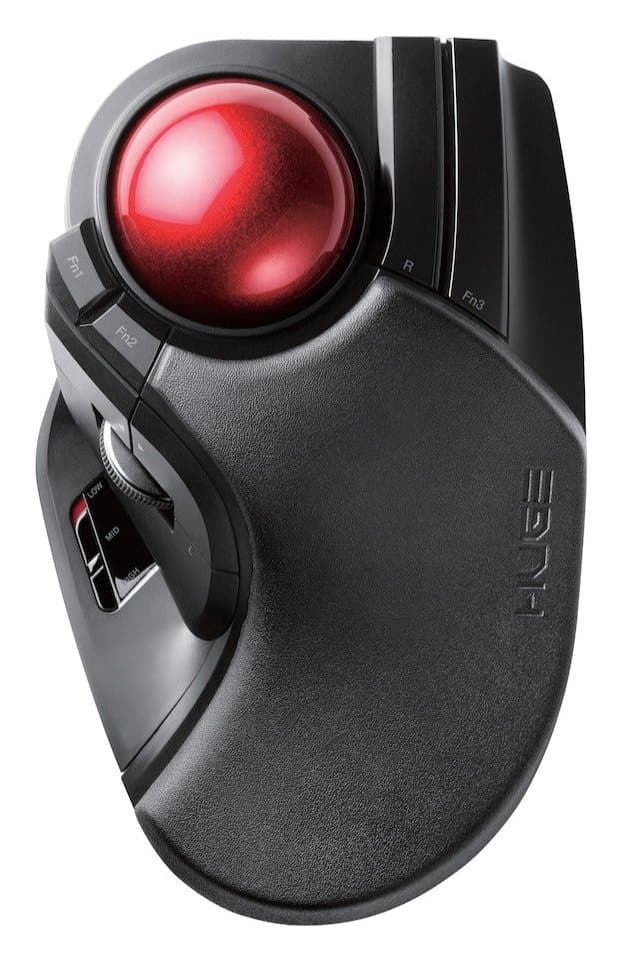
Elecom HUGE Wireless Trackball (M-HT1DRBK)
A big finger-operated trackball with a 52 mm ball, a built-in palm rest and lots of programmable buttons, for little money. No Bluetooth, and its size doesn't suit every hand.
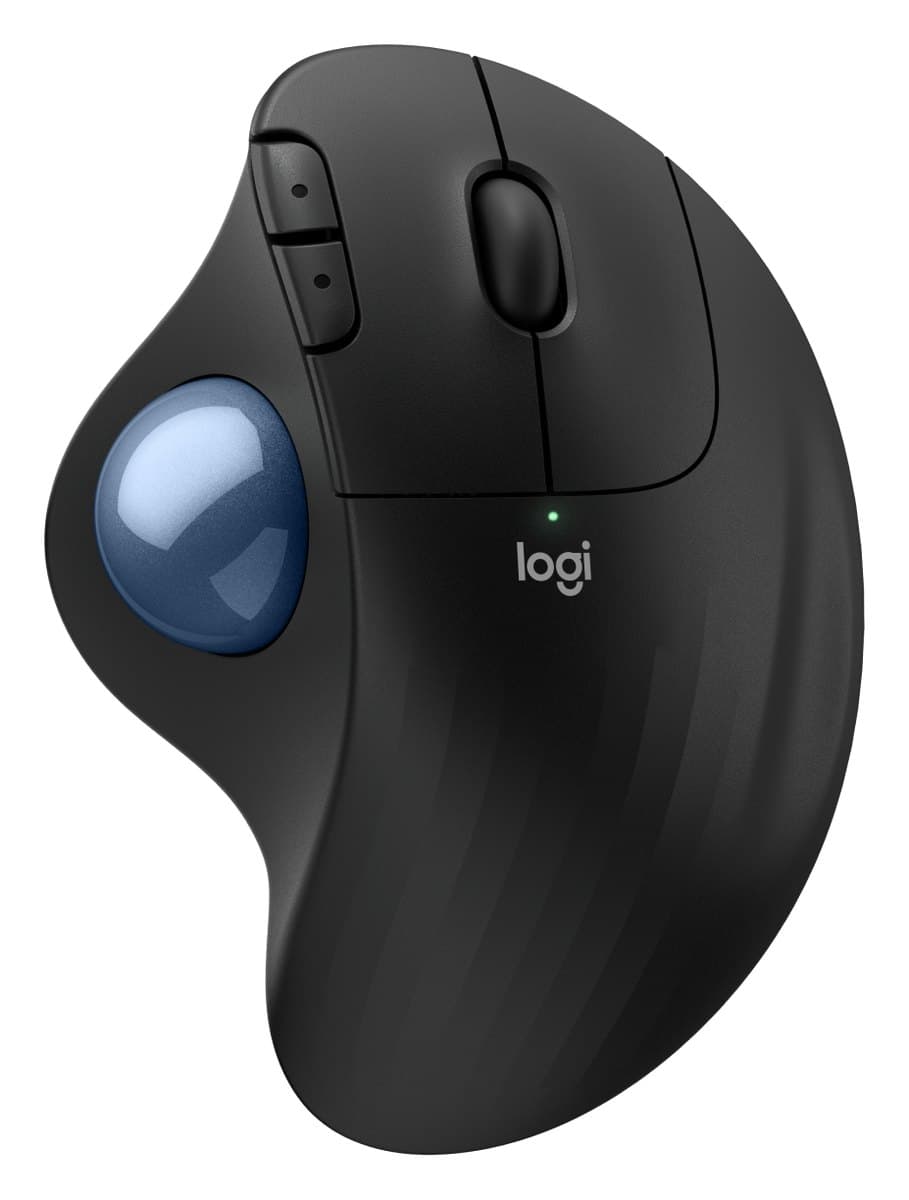
Logitech Ergo M575S Wireless Trackball
The cheap way to try a trackball: steer with your thumb so your arm stays still, comfortable for most hands, with much quieter clicks than the old M575.
We earn a commission from these links.
The M575S is the easier trackball to live with: it fits nearly every hand, connects over Bluetooth as well as its receiver and costs a little less. The HUGE has a big 52 mm ball you roll with your fingers, a palm rest and many more buttons, but it's receiver-only and best for medium hands.
- —You find thumb trackballs tiring.
- —You want many buttons for shortcuts.
- —Your hands are medium-sized.
- —You want Bluetooth for a laptop.
- —Your hands are small or large.
- —You want the simpler, cheaper trackball.
Key differences
Pros and cons
- +Big 52 mm finger-operated ball
- +Built-in palm rest
- +Lots of programmable buttons
- −USB receiver only, with no Bluetooth.
- −Large, right-handed only, and best for medium hands.
- −The scroll wheel and some buttons wobble slightly.
- −The button layout takes time to learn.
- +Thumb trackball: your arm stays still
- +Comfortable for nearly all hand sizes
- +Quiet clicks, for little money
- −Right-handed only.
- −The scroll wheel doesn't tilt or spin freely.
- −Small hands may struggle to reach the back and forward buttons.
- −Uses a disposable AA battery.
- −A trackball takes a few days to get used to.
For the curious
A deeper look at full specs.
Finger or thumb
The Elecom's 52 mm ball is under your fingers; the M575S's is under your thumb.
Buttons
10 programmable controls on the Elecom; 5 buttons on the M575S.
Battery
Two AA on the Elecom; one AA for up to 18 months on the M575S.
Technical specifications
| Elecom HUGE | Ergo M575S | |
|---|---|---|
| Type | Finger-operated trackball, 52 mm ball | Thumb-operated trackball, right-handed |
| Sensor | Optical; 3 speed settings | Logitech Advanced Optical Tracking, 400 to 2000 DPI |
| Buttons | 8 plus wheel tilt left and right: 10 programmable controls; OMRON main switches | 5, of which 3 customisable (back, forward, middle click) |
| Connection | USB receiver | USB receiver or Bluetooth Low Energy, 10 m range |
| Battery | 2 AA, well over a year in low-energy mode | 1 AA (included), up to 18 months |
| Size | — | 134 × 100 × 48 mm |
| Weight | — | 145 g |
| Software | — | Logi Options+ on Windows and macOS |
| Ball supports | 2.5 mm artificial rubies | — |
| Palm rest | Full-length, low-rebound | — |
From the maker's spec sheet for the Elecom HUGE (ELECOM HUGE Wireless M-HT1DRBK (US)) and the Ergo M575S (Logitech Ergo M575S), checked October 2026. Versions sold in other countries can differ slightly.
- Is the Elecom HUGE worth it?
- Is the Ergo M575S worth it?
- MX Master 4 vs MX Master 3S
- MX Master 4 vs Logitech Lift
- Logitech Lift vs MX Vertical
- MX Master 4 vs MX Ergo S
- Best ergonomic mice