Elecom HUGE Wireless Trackball (M-HT1DRBK) vs Logitech MX Ergo S Wireless Trackball
Get the Logitech MX Ergo S. Unless you prefer steering with your fingers, or want lots of buttons for much less — then the Elecom HUGE.
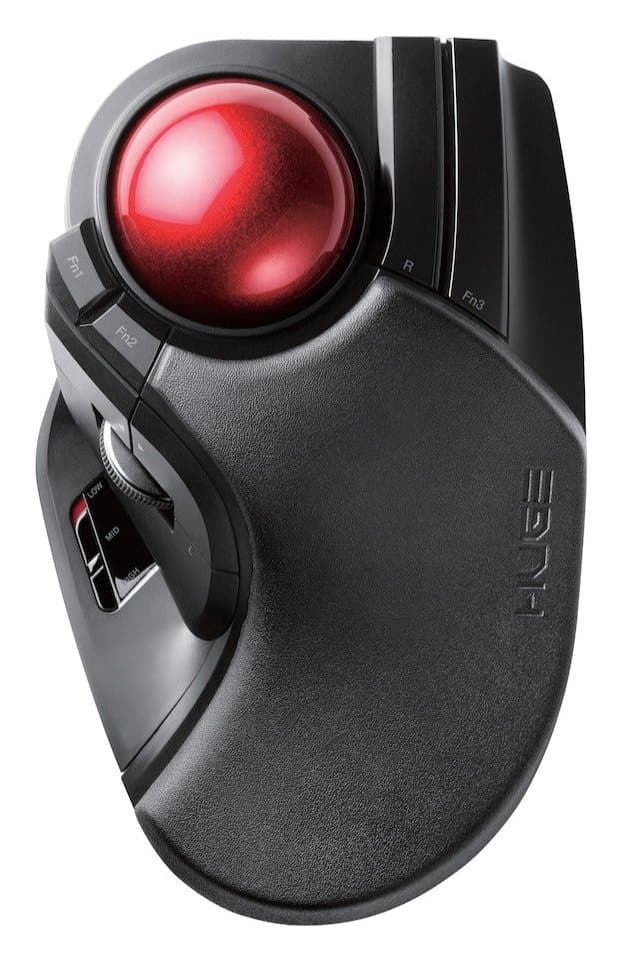
Elecom HUGE Wireless Trackball (M-HT1DRBK)
A big finger-operated trackball with a 52 mm ball, a built-in palm rest and lots of programmable buttons, for little money. No Bluetooth, and its size doesn't suit every hand.
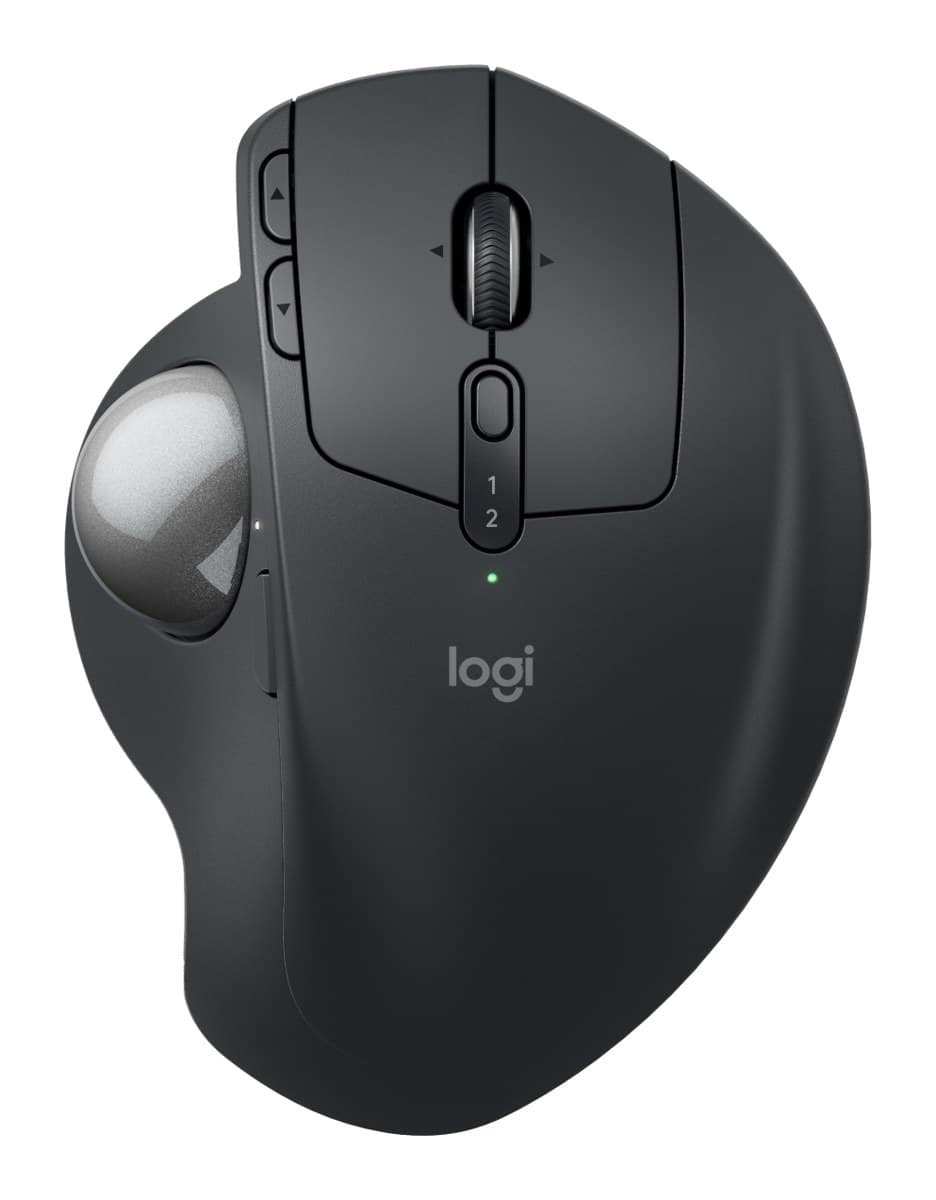
Logitech MX Ergo S Wireless Trackball
The best trackball: you steer with your thumb, so your arm stays still. It tilts to 20°, clicks silently and lasts about four months per charge. US shops sell it as the MX Ergo S Plus, with an extra wedge.
We earn a commission from these links.
The MX Ergo S tilts to 20°, clicks silently, recharges, connects over Bluetooth and switches between two computers. The HUGE costs much less and has a bigger finger-operated ball, a palm rest and more buttons, but it's receiver-only, runs on AA batteries and suits medium hands best.
- —You'd rather use your fingers than your thumb.
- —You want many shortcut buttons.
- —You want to spend much less.
- —You want a tilted, more natural hand angle.
- —You use two computers or a laptop over Bluetooth.
- —You'd rather recharge than change batteries.
Key differences
Pros and cons
- +Big 52 mm finger-operated ball
- +Built-in palm rest
- +Lots of programmable buttons
- −USB receiver only, with no Bluetooth.
- −Large, right-handed only, and best for medium hands.
- −The scroll wheel and some buttons wobble slightly.
- −The button layout takes time to learn.
- +Thumb trackball: your arm stays still
- +Tilts flat or to 20°
- +Silent clicks, about four months per charge
- −Right-handed only.
- −Heavy, with its tilt plate, so it stays on the desk.
- −Takes a while to get used to steering with your thumb.
- −Barely changed from the older MX Ergo apart from quieter clicks and USB-C.
- Is the Elecom HUGE worth it?
- Is the MX Ergo S worth it?
- MX Master 4 vs MX Master 3S
- MX Master 4 vs Logitech Lift
- Logitech Lift vs MX Vertical
- MX Master 4 vs MX Ergo S
- Best ergonomic mice