Logitech MX Keys S Wireless Keyboard vs Logitech Wave Keys Wireless Ergonomic Keyboard
Get the Logitech MX Keys S. Unless you want a gentler, more natural wrist position for less — then the Wave Keys.
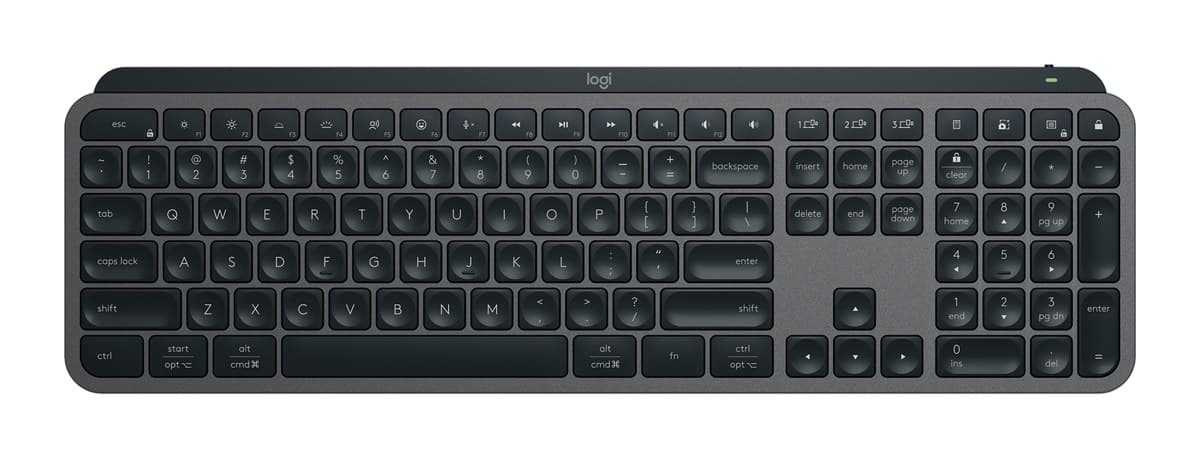
Logitech MX Keys S Wireless Keyboard
The best keyboard for most desks: lovely, quiet low-profile keys, a solid build, a backlight that wakes as your hands get close, and three devices at the press of a key.
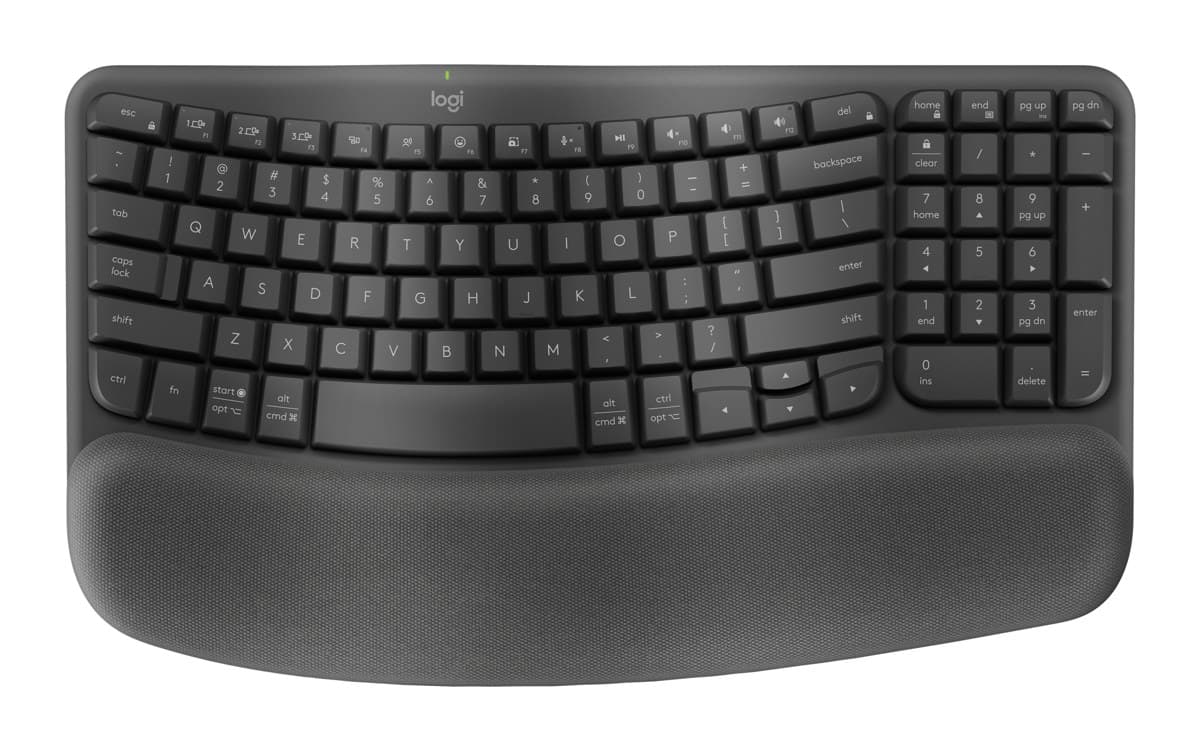
Logitech Wave Keys Wireless Ergonomic Keyboard
An easy first ergonomic keyboard: a gentle wave shape and a cushioned palm rest, very quiet keys and years on two AAA batteries, for much less than a split keyboard.
We earn a commission from these links.
The MX Keys S is nicer to type on, solidly built and backlit. The Wave Keys has a wave shape and cushioned palm rest that put your wrists in a more natural position, costs much less and runs for years on AAA batteries, but its keys feel mushier and it has no backlight.
- —You want the best typing feel.
- —You type in dim light.
- —You don't need a palm rest.
- —Your wrists ache on a flat keyboard.
- —You want an ergonomic keyboard for less.
- —You'd rather not recharge it.
Key differences
Pros and cons
- +Lovely, quiet low-profile keys
- +Backlight that wakes as your hands approach
- +Switches between three devices
- −About 10 days per charge with the backlight on; months with it off.
- −Too much delay for competitive gaming.
- −Big and heavy to carry about.
- +Gentle wave shape and cushioned palm rest
- +Extremely quiet
- +Up to three years on two AAA batteries
- −Keys sit closer together than on a standard keyboard.
- −No backlight.
- −The palm rest is built in and can't be removed.
Ready to choose?
- Is the Logitech MX Keys S worth it?
- Is the Logitech Wave Keys worth it?
- Logitech MX Keys S vs Logitech MX Keys Mini
- Logitech MX Keys S vs Apple Magic Keyboard with Touch ID
- Logitech MX Keys S vs Logitech Ergo K860
- Logitech Wave Keys vs Logitech Ergo K860
- Best office keyboards
How we reached this verdict
We compared independent expert reviews with the manufacturer's specifications, then checked it's sold at a major retailer where you live. We don't test products ourselves.
Sources: RTINGS, RTINGS, Engadget, Trusted Reviews, manufacturer specifications.