Logitech MX Keys S Wireless Keyboard vs Apple Magic Keyboard with Touch ID and Numeric Keypad (USB-C)
Get the Logitech MX Keys S. Unless you use one Mac with Apple silicon and want Touch ID — then the Apple Magic Keyboard.
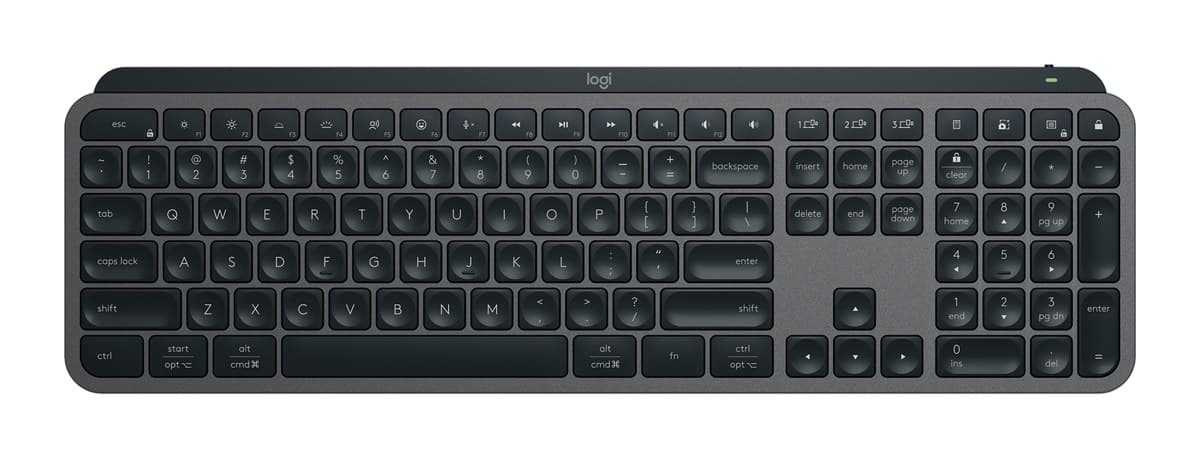
Logitech MX Keys S Wireless Keyboard
The best keyboard for most desks: lovely, quiet low-profile keys, a solid build, a backlight that wakes as your hands get close, and three devices at the press of a key.
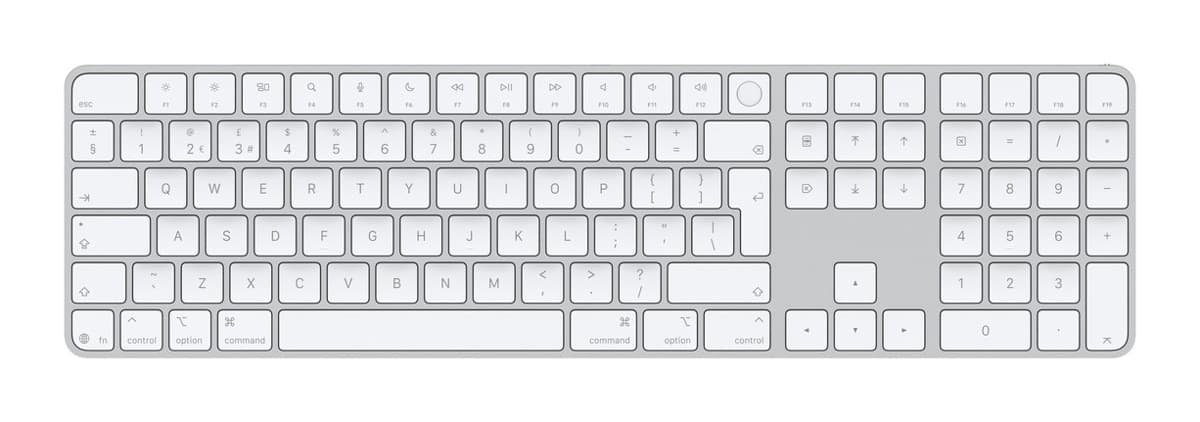
Apple Magic Keyboard with Touch ID and Numeric Keypad (USB-C)
The keyboard for a Mac desk: thin, beautifully made and great to type on, with a Touch ID key that unlocks your Mac. It's expensive and pairs with one device.
We earn a commission from these links.
The MX Keys S works with a Mac or a PC, is backlit, pairs with three devices and costs much less. The Apple keyboard is thinner, beautifully built and has Touch ID, but only for Macs with Apple silicon, and it pairs with one device and has no backlight.
- —You switch between several computers.
- —You want a backlight.
- —You use Windows, or both.
- —You have one Mac with Apple silicon.
- —You want Touch ID at your desk.
- —You want it to match your Mac.
Key differences
Pros and cons
- +Lovely, quiet low-profile keys
- +Backlight that wakes as your hands approach
- +Switches between three devices
- −About 10 days per charge with the backlight on; months with it off.
- −Too much delay for competitive gaming.
- −Big and heavy to carry about.
- +Touch ID to unlock your Mac
- +Excellent build, thin and light
- +Great typing quality
- −Touch ID doesn't work with an iPad or iPhone.
- −Pairs with one device at a time.
- −No backlight, and the keys can't be reprogrammed.
Ready to choose?
- Is the Logitech MX Keys S worth it?
- Is the Apple Magic Keyboard with Touch ID worth it?
- Logitech MX Keys S vs Logitech MX Keys Mini
- Logitech MX Keys S vs Logitech Wave Keys
- Logitech MX Keys S vs Logitech Ergo K860
- Logitech Wave Keys vs Logitech Ergo K860
- Best office keyboards
How we reached this verdict
We compared independent expert reviews with the manufacturer's specifications, then checked it's sold at a major retailer where you live. We don't test products ourselves.
Sources: RTINGS, RTINGS, Engadget, Trusted Reviews, manufacturer specifications.