Logitech MX Master 4 vs Logitech MX Master 3S
Get the Logitech MX Master 4. Unless you don't need a haptic panel or shortcut ring — then the MX Master 3S is nearly the same mouse for less.
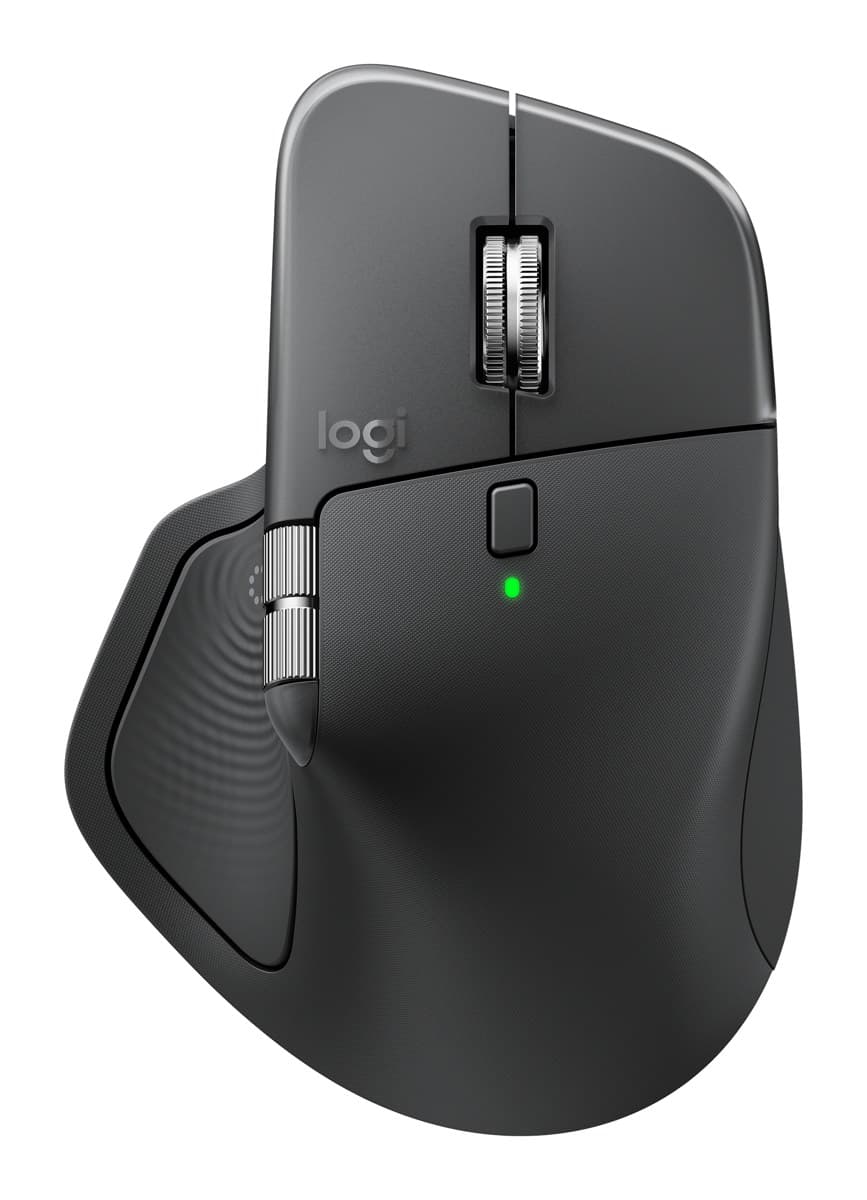
Logitech MX Master 4
The best mouse for work: a sculpted shape that's comfortable all day, a fast metal scroll wheel plus a thumb wheel, very quiet clicks and about 70 days per charge.
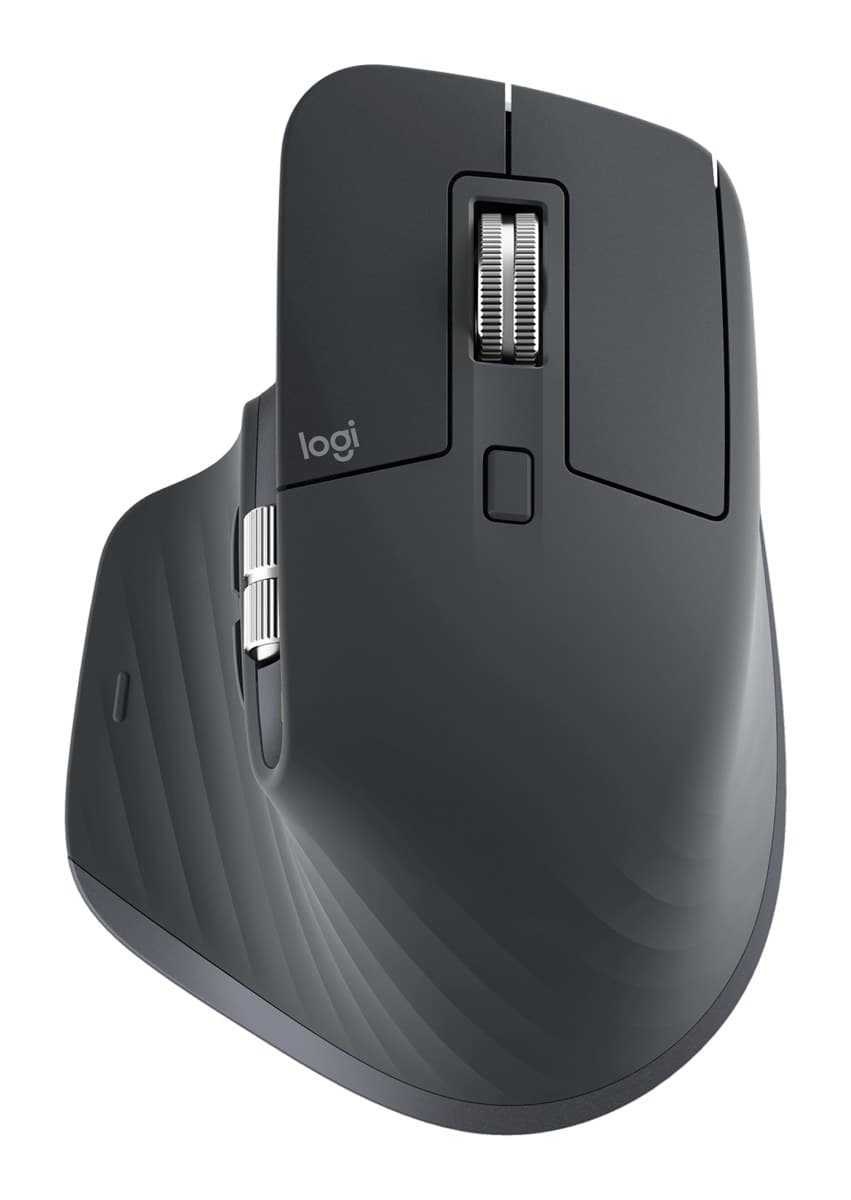
Logitech MX Master 3S
Nearly the same comfortable shape, MagSpeed wheel and quiet clicks as the MX Master 4, for less. You only miss the haptic panel and shortcut ring.
We earn a commission from these links.
Both have the same comfortable MX Master shape, the fast MagSpeed wheel, a thumb wheel and quiet clicks. The MX Master 4 adds a haptic thumb panel and a ring of shortcuts; the 3S leaves those out and costs less.
- —You want the newest MX Master.
- —You'd use a ring of shortcuts for your apps.
- —You're happy to run Logitech's Options+ app.
- —You want the MX Master's comfort for less.
- —You don't need haptics or a shortcut ring.
- —You're buying for an office and want to save money.
Key differences
Pros and cons
- +Comfortable, hand-filling shape
- +Fast MagSpeed wheel plus a thumb wheel
- +Very quiet clicks, about 70 days per charge
- −Heavy at about 150 g.
- −The haptic panel, gestures and button settings need Logitech's Options+ app running in the background.
- −The thumb wheel feels cheaper than the main wheel, and the side buttons are hard to tell apart by touch.
- +Same comfortable MX Master shape
- +Fast MagSpeed wheel plus a thumb wheel
- +Quiet clicks
- −Big, so it doesn't suit small hands.
- −There's nowhere to store the USB receiver in the mouse.
- −Replaced by the MX Master 4, which adds haptics and a shortcut ring.
Ready to choose?
- Is the MX Master 4 worth it?
- Is the MX Master 3S worth it?
- MX Master 4 vs Logitech Lift
- Logitech Lift vs MX Vertical
- MX Master 4 vs MX Ergo S
- MX Master 3S vs M720 Triathlon
- Best ergonomic mice
How we reached this verdict
We compared independent expert reviews with the manufacturer's specifications, then checked it's sold at a major retailer where you live. We don't test products ourselves.
Sources: RTINGS, Engadget, Expert Reviews, manufacturer specifications.