Updated 28 Oct 2026
Is the Anker 2.4G Wireless Vertical Ergonomic Mouse worth it?
Yes, if you want to try a vertical mouse cheaply.
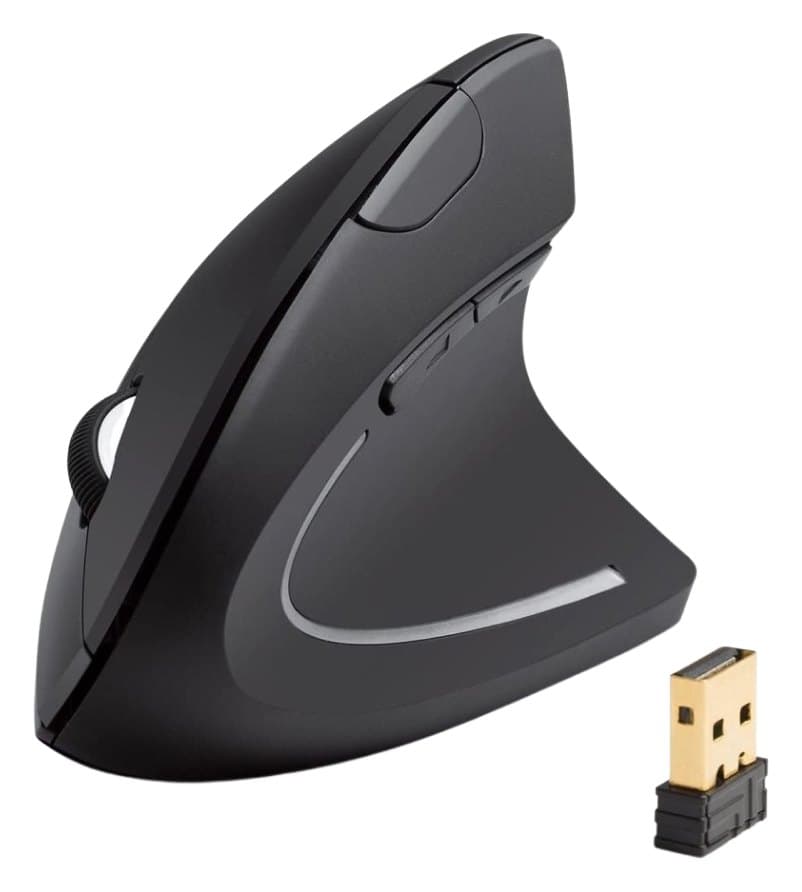
Its narrow vertical shape lets your hand rest in a handshake position, keeping your wrist neutral, and it's comfortable for long hours. It has next and back buttons for browsing, three sensitivity settings and a slot to store the USB receiver. That's about it: there's no Bluetooth, it connects to one computer, it runs on AAA batteries, the buttons can't be reprogrammed and the sensor is inconsistent.
Good to know
- No Bluetooth, and it connects to one computer only.
- Runs on AAA batteries.
- The buttons can't be reprogrammed.
- The sensor is inconsistent and clicks feel slow, so it's no good for games.
- Vertical handshake grip
- Very cheap
- Receiver stores inside the mouse
We earn a commission from these links.
Get it if…
- You want to find out if a vertical mouse helps before spending more.
- You need a cheap mouse for a second desk.
Skip it if…
- You switch between computers or want Bluetooth: the Logitech Lift.
- You want a precise sensor and programmable buttons.
More on the Anker Vertical Mouse
How we reached this verdict
RTINGS finds it a decent office mouse for easing wrist strain: narrow, comfortable and wrist-neutral, but with an inconsistent sensor, high click latency, three fixed sensitivity settings and buttons you can't reprogram. Tom's Guide (4/5) calls it simple but effective for wrist issues, and Digital Camera World (4/5) found it cheap, comfortable and effective, but missed Bluetooth and multi-device pairing and dislikes the AAA batteries.
We compared independent expert reviews with the manufacturer's specifications, then checked it's sold at a major retailer where you live. We don't test products ourselves.
Sources: RTINGS, Tom's Guide, Digital Camera World, Anker, RTINGS, Engadget, Expert Reviews, manufacturer specifications.
Updated 28 Oct 2026How we decide