Anker 2.4G Wireless Vertical Ergonomic Mouse vs Logitech MX Vertical Advanced Ergonomic Mouse
Get the Logitech MX Vertical. Unless you're only trying out a vertical mouse, or your hands are small — then the Anker.
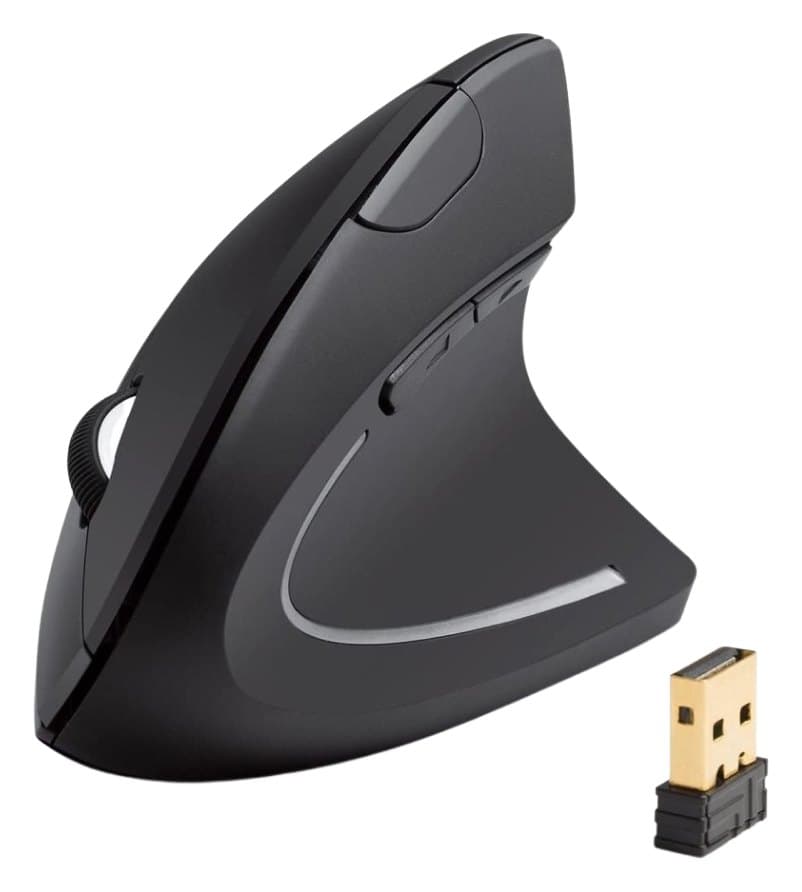
Anker 2.4G Wireless Vertical Ergonomic Mouse
The cheapest way to try a vertical mouse: a comfortable handshake grip for a fraction of the Logitech Lift's price. Basic sensor, no Bluetooth and AAA batteries.
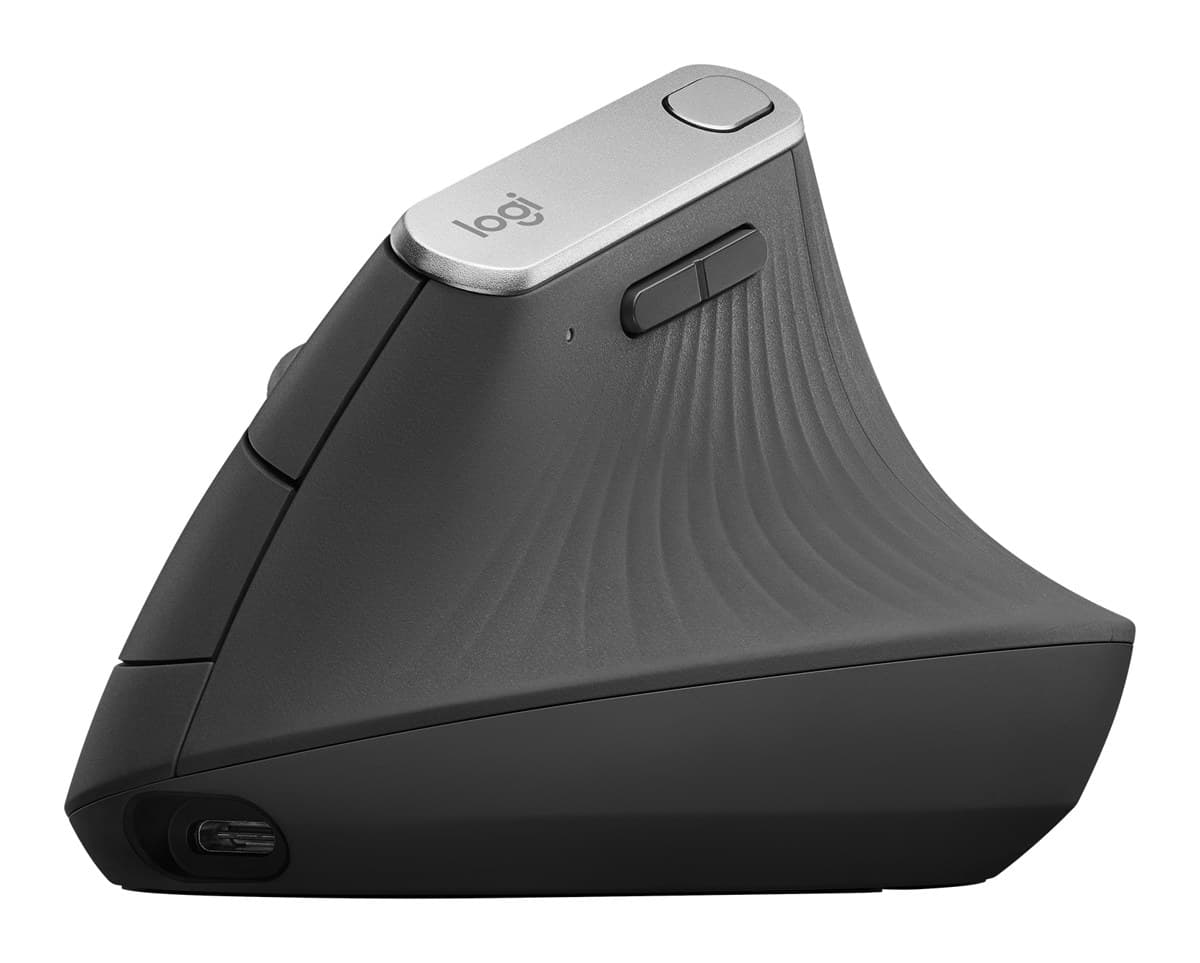
Logitech MX Vertical Advanced Ergonomic Mouse
A big, rechargeable 57° vertical mouse for large hands, with about four months per charge. It's a 2018 design with an older receiver, and pricey when it isn't on sale.
We earn a commission from these links.
The MX Vertical is sized for large hands, recharges over USB-C and connects over Bluetooth or its receiver to several computers. The Anker is narrow, receiver-only and runs on AAA batteries, but costs a small fraction of the price.
- —You want to try vertical cheaply.
- —Your hands are small to medium.
- —It's for occasional use.
- —You have large hands.
- —You'd rather recharge than change batteries.
- —You want Bluetooth.
Key differences
Pros and cons
- +Vertical handshake grip
- +Very cheap
- +Receiver stores inside the mouse
- −No Bluetooth, and it connects to one computer only.
- −Runs on AAA batteries.
- −The buttons can't be reprogrammed.
- −The sensor is inconsistent and clicks feel slow, so it's no good for games.
- +57° vertical grip, sized for large hands
- +Rechargeable over USB-C
- +About four months per charge
- −Bulky for small hands.
- −There's nowhere to store the USB receiver.
- −It needs a firm grip to move it around.
- −Uses Logitech's older Unifying receiver and Bluetooth 4.2, not Logi Bolt.
- Is the Anker Vertical Mouse worth it?
- Is the MX Vertical worth it?
- MX Master 4 vs MX Master 3S
- MX Master 4 vs Logitech Lift
- Logitech Lift vs MX Vertical
- MX Master 4 vs MX Ergo S
- Best ergonomic mice
How we reached this verdict
We compared independent expert reviews with the manufacturer's specifications, then checked it's sold at a major retailer where you live. We don't test products ourselves.
Sources: RTINGS, Engadget, Expert Reviews, manufacturer specifications.