Logitech MX Master 4 vs Logitech MX Anywhere 3S
For working at a desk, get the MX Master 4. If you want one small mouse for a laptop bag, the MX Anywhere 3S costs less and goes anywhere.
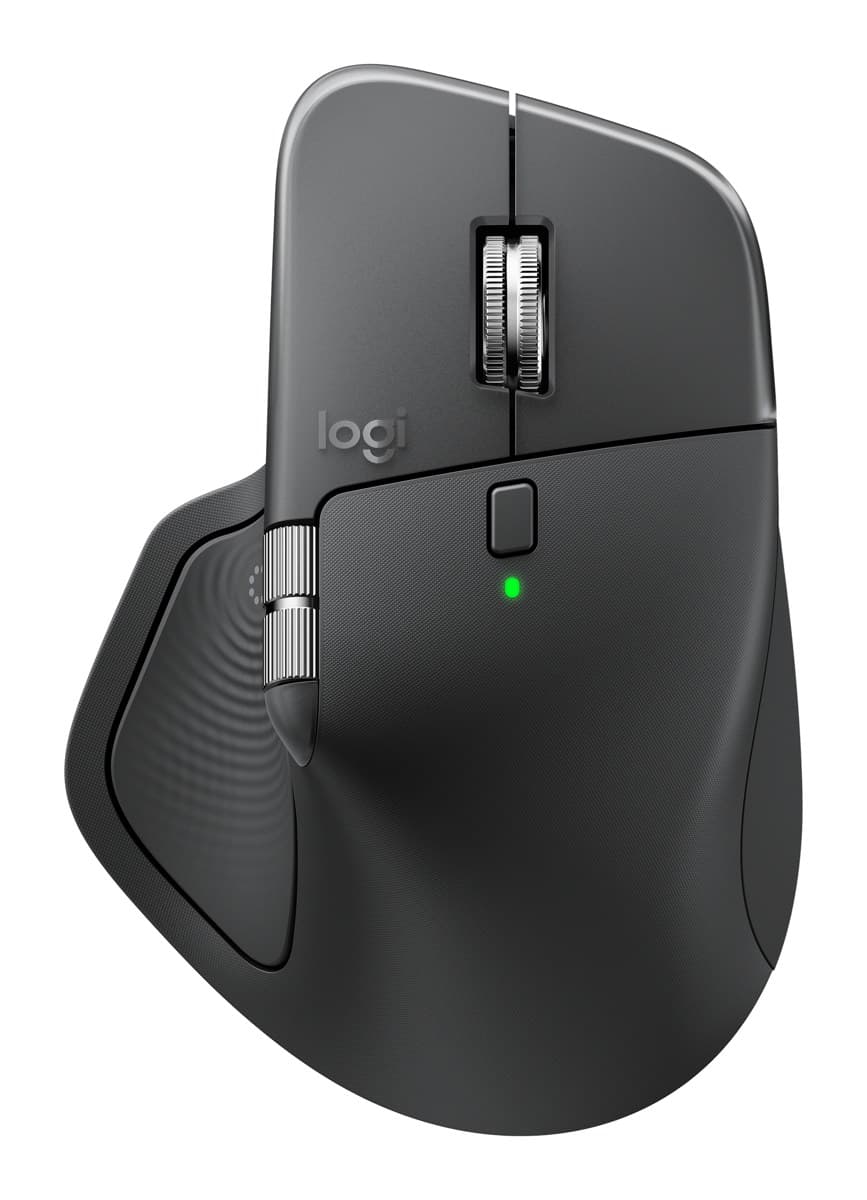
Logitech MX Master 4
The best mouse for work: a sculpted shape that's comfortable all day, a fast metal scroll wheel plus a thumb wheel, very quiet clicks and about 70 days per charge.
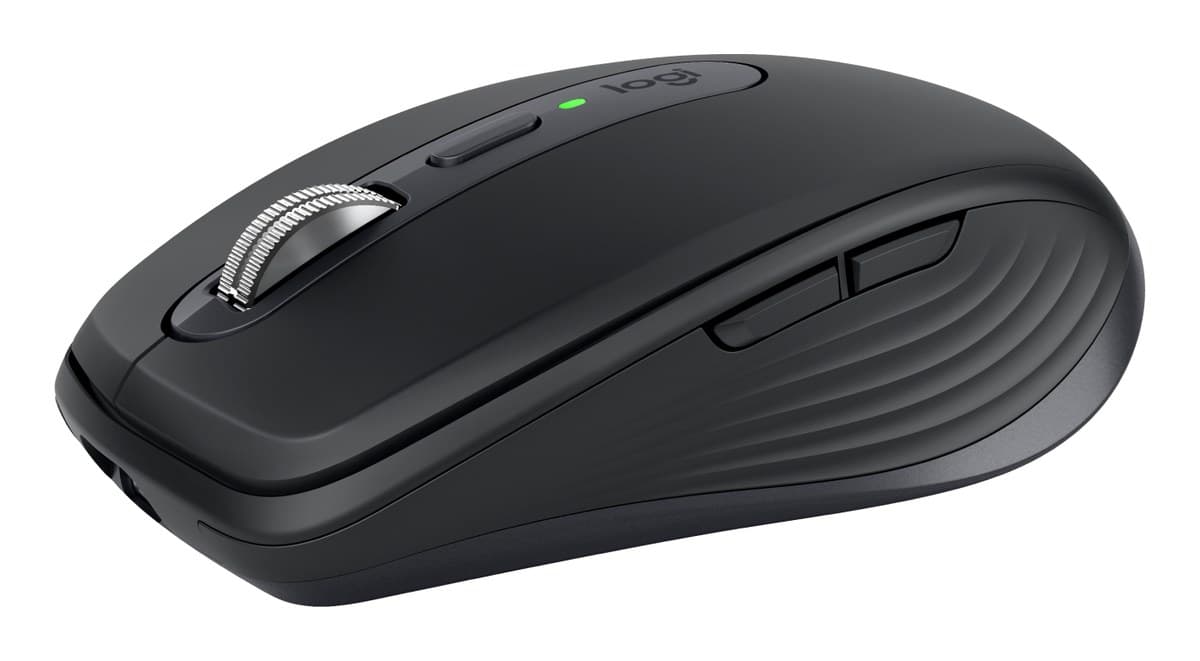
Logitech MX Anywhere 3S
The MX Master's quiet clicks and fast metal wheel in a mouse small enough for any bag. Works on glass. Not shaped for all-day comfort.
We earn a commission from these links.
The MX Master 4 is the most comfortable mouse for long days, with a thumb wheel and a haptic panel that opens a ring of shortcuts. The MX Anywhere 3S keeps the quiet clicks, fast wheel and 70-day battery in a mouse small enough for any bag, but it isn't built for all-day support.
- —You work at a computer all day.
- —You want shortcuts and side scrolling under your thumb.
- —Your hands are medium or large.
- —You travel or hot-desk with a laptop.
- —You want to spend less.
- —You have small hands.
What verified owners report
Only reviews from checked buyers count, and every 1–3 star review is read by us. How we do this
Owners love how comfortable it is, its programmable buttons and shortcuts, and its build. The main complaint is that it's less comfortable than the older MX Master 3S, followed by a slippery finish that's hard to grip.
- ✓Comfortable for long work sessions
- ✓Programmable buttons, shortcuts and Actions Ring
- ✓Well built, quality materials
- −Less comfortable than the older MX Master 3S
- −Slippery, hard to grip or lift
Owners love how small and portable it is, how smoothly it tracks and scrolls, and that it works on any surface. The few complaints are a shape too small or low for some hands and trouble with Logitech's software.
- ✓Smooth tracking and scrolling
- ✓Small and easy to travel with
- ✓Comfortable in the hand
None came up often enough to list.
Key differences
Pros and cons
- +Comfortable, hand-filling shape
- +Fast MagSpeed wheel plus a thumb wheel
- +Very quiet clicks, about 70 days per charge
- −Heavy at about 150 g.
- −The haptic panel, gestures and button settings need Logitech's Options+ app running in the background.
- −The thumb wheel feels cheaper than the main wheel, and the side buttons are hard to tell apart by touch.
- +Small enough for any bag
- +Works on glass and most surfaces
- +Quiet clicks and a fast metal wheel
- −Small and low, so bigger hands end up in a claw grip.
- −No receiver in the box: it connects over Bluetooth, or a Logi Bolt receiver bought separately.
- −Heavier than it looks, at 99 g.
- −No side scroll wheel: you hold a button and turn the main wheel to scroll sideways.
- Is the MX Master 4 worth it?
- Is the MX Anywhere 3S worth it?
- MX Master 4 vs MX Master 3S
- MX Master 4 vs Logitech Lift
- Logitech Lift vs MX Vertical
- MX Master 4 vs MX Ergo S
- Best ergonomic mice
How we reached this verdict
We compared independent expert reviews with the manufacturer's specifications, then checked it's sold at a major retailer where you live. We don't test products ourselves.
Sources: RTINGS, Engadget, Expert Reviews, manufacturer specifications.
Owner reports for the MX Master 4: 321 verified buyer ratings at Currys and Best Buy (Canada), read October 2026.
Owner reports for the MX Anywhere 3S: 41 verified buyer ratings at Best Buy (Canada), read October 2026.